Mechanical Keyboard Switches Guide: Actuation Force, Pre-Travel, and Hot-Swap Socket Compatibility
Compare mechanical keyboard switches by feel, actuation force, pre-travel and socket fit. Use the specification table and checklist to plan your purchase.
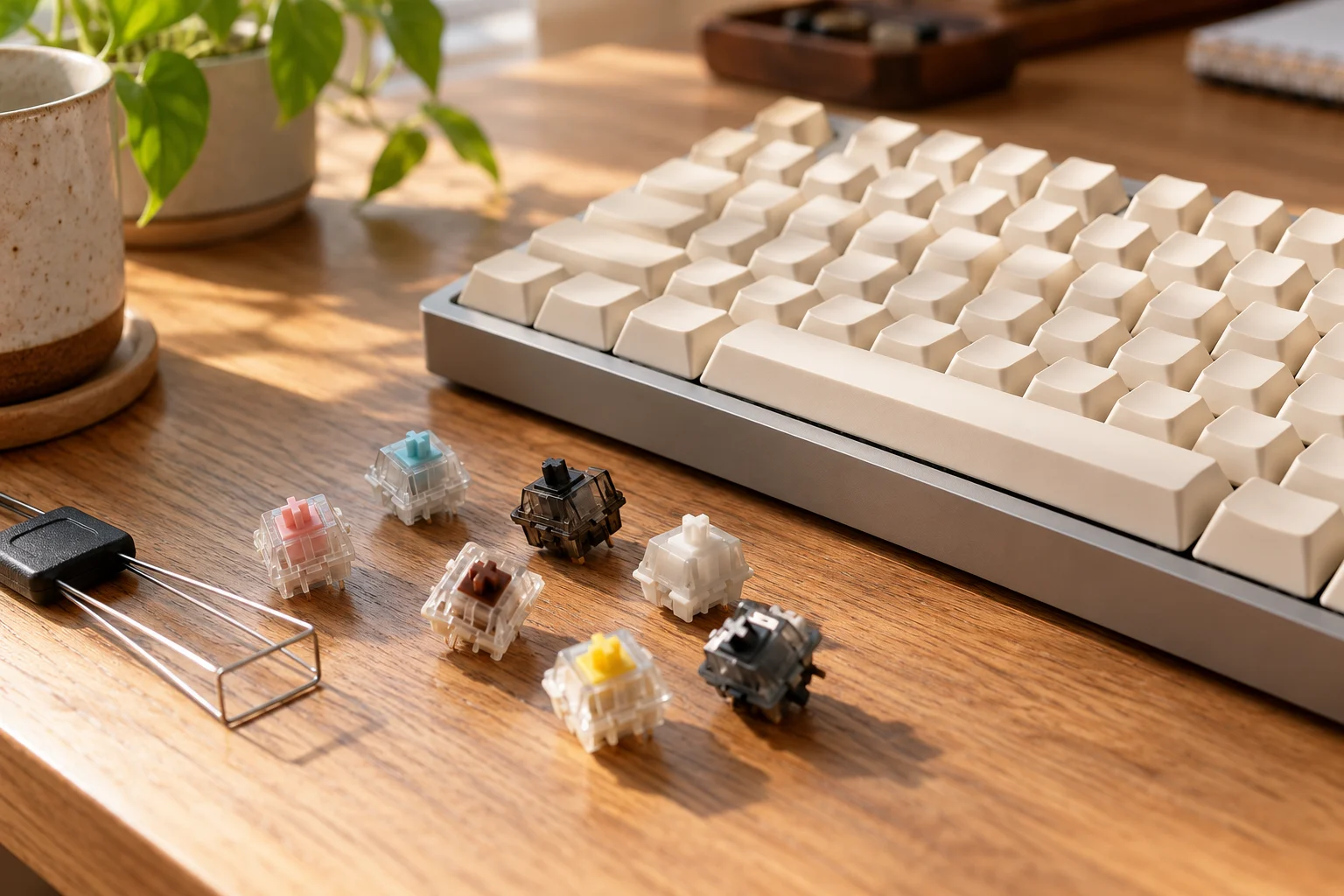
Choose mechanical keyboard switches by checking the keyboard’s compatibility requirements, then comparing switch feel, actuation force and travel. For a gift, ask for the recipient’s exact keyboard model and preferred feel before choosing a replacement set.
Use this guide to build a shortlist: start with the specification table, read the force labels carefully, then work through the socket checklist. For the wider setup, explore our smart home and desk gadgets guide.
Linear vs tactile vs clicky switches
Start by deciding which feel you want to try.
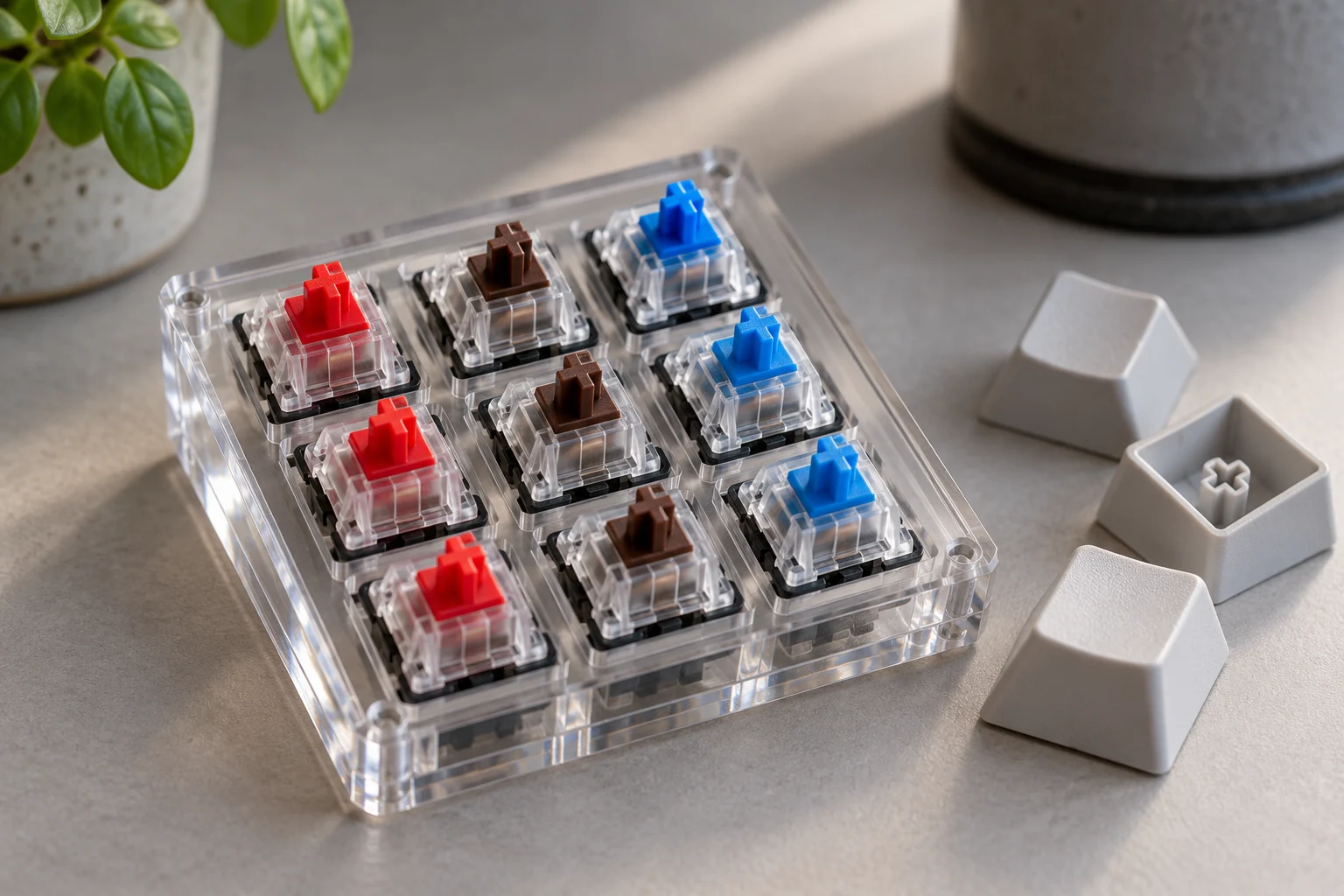
CHERRY MX2A RED has linear switching characteristics. CHERRY MX2A BROWN has tactile switching characteristics. CHERRY MX2A BLUE has tactile and audible switching characteristics.
On BROWN, a bulge on the stem surface provides noticeable feedback. BROWN has no click. BLUE has a click.
Exact-model specification comparison
Read each row as a specification for the named CHERRY variant. Keep the field names with the values when making your shortlist.
| Variant | Actuation force | Pre travel | Total travel |
|---|---|---|---|
| CHERRY MX2A RED | 45 cN | 2.0 mm | 4.0 mm |
| CHERRY MX2A BROWN | 45 cN | 2.0 mm | 4.0 mm |
| CHERRY MX2A BLUE | 50 cN | 2.2 mm | 4.0 mm |
| CHERRY MX2A SPEED SILVER | 45 cN | 1.2 mm | 3.4 mm |
Read mechanical keyboard actuation force labels carefully
Tactile and clicky switches have two distinct force events during a single keystroke: the peak resistance at the tactile bump or click bar, and the force at the electrical actuation point. That is why CHERRY lists two force figures for tactile and clicky MX2A variants:
- CHERRY MX2A BROWN actuates electrically at 45 cN, while its tactile bump peaks at 55 cN before actuation (listed as pressure point force on the datasheet and operating force in the product summary).
- CHERRY MX2A BLUE actuates electrically at 50 cN, while its audible click point peaks at 60 cN before actuation.
When comparing tactile or clicky switches across brands, check whether a spec sheet is quoting the electrical actuation force or the peak tactile/click force so you compare like with like.
Pre-travel and total travel: what to compare
Pre-travel is the stem distance before input is recorded. Total travel covers the whole key press.
Return to the RED and SPEED SILVER rows and compare the pre-travel and total-travel columns separately. Choose which travel specification you want to try, then assess it during your ordinary typing and gaming tasks. Record your preference alongside the exact model name.
Choose for the sound of the whole keyboard
Standard linear switches still produce top-out and bottom-out noise. The entire system including switch construction, plate, PCB, case, keycaps and typing force contribute to the final sound.
For a shared desk, include sound in the trial. Listen during ordinary typing, and ask the people sharing the room which sound they prefer.
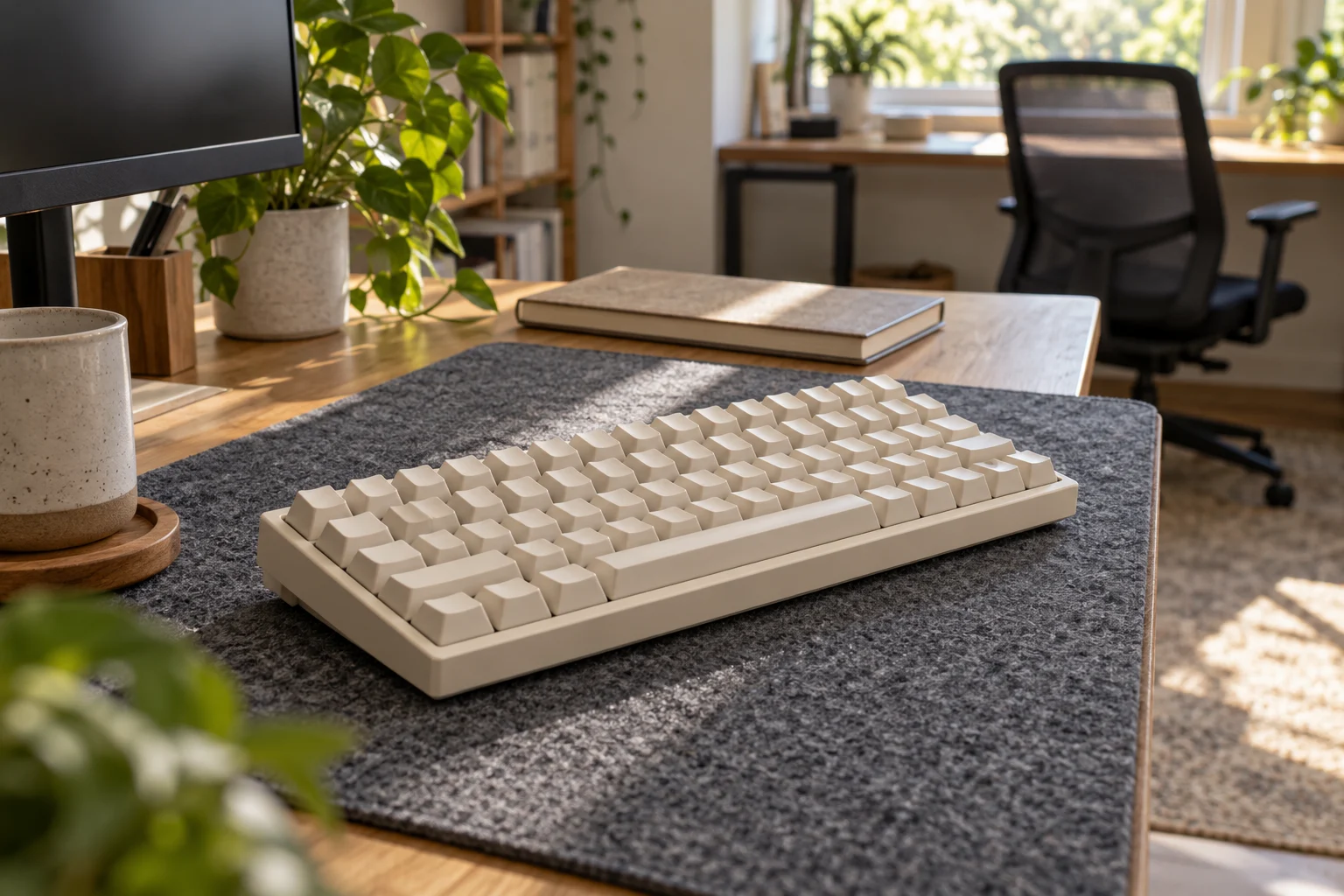
For CHERRY’s SILENT RED, operating noise is reduced by patented damping.
Add a damped candidate to your shortlist if quiet operation is your priority. Compare it in the keyboard you intend to use, and keep your listening preference separate from the force and travel specifications.
Hot-swap socket compatibility: inspect the support legs
Check the board’s supported switch family and mounting requirements before ordering.
3 pin switches lack the extra plastic legs found on 5 pin switches. The extra plastic legs help seat the switch more firmly. Metal switch pins make contact with the board.
Within a compatible mechanical switch/socket family, a 3 pin switch can be installed in a 5 pin socket without modification.
Some hotswap PCBs without 5 pin support require clipping the plastic legs.
For that adaptation, follow the distinction between support legs and electrical contacts: Clip only the two plastic legs; do not clip metal pins.
Check profile and sensing architecture too
Normal-profile and low-profile switches use different structures. Hall effect boards read a magnet instead of a metal contact.
Some PCBs require soldering to replace switches. Switch housing and LED position can affect lighting compatibility.
Before buying, record the keyboard’s exact version, supported switch family, profile, mounting-hole support and lighting requirements. Check each item against the intended replacement switch.
What if a switch resists insertion?
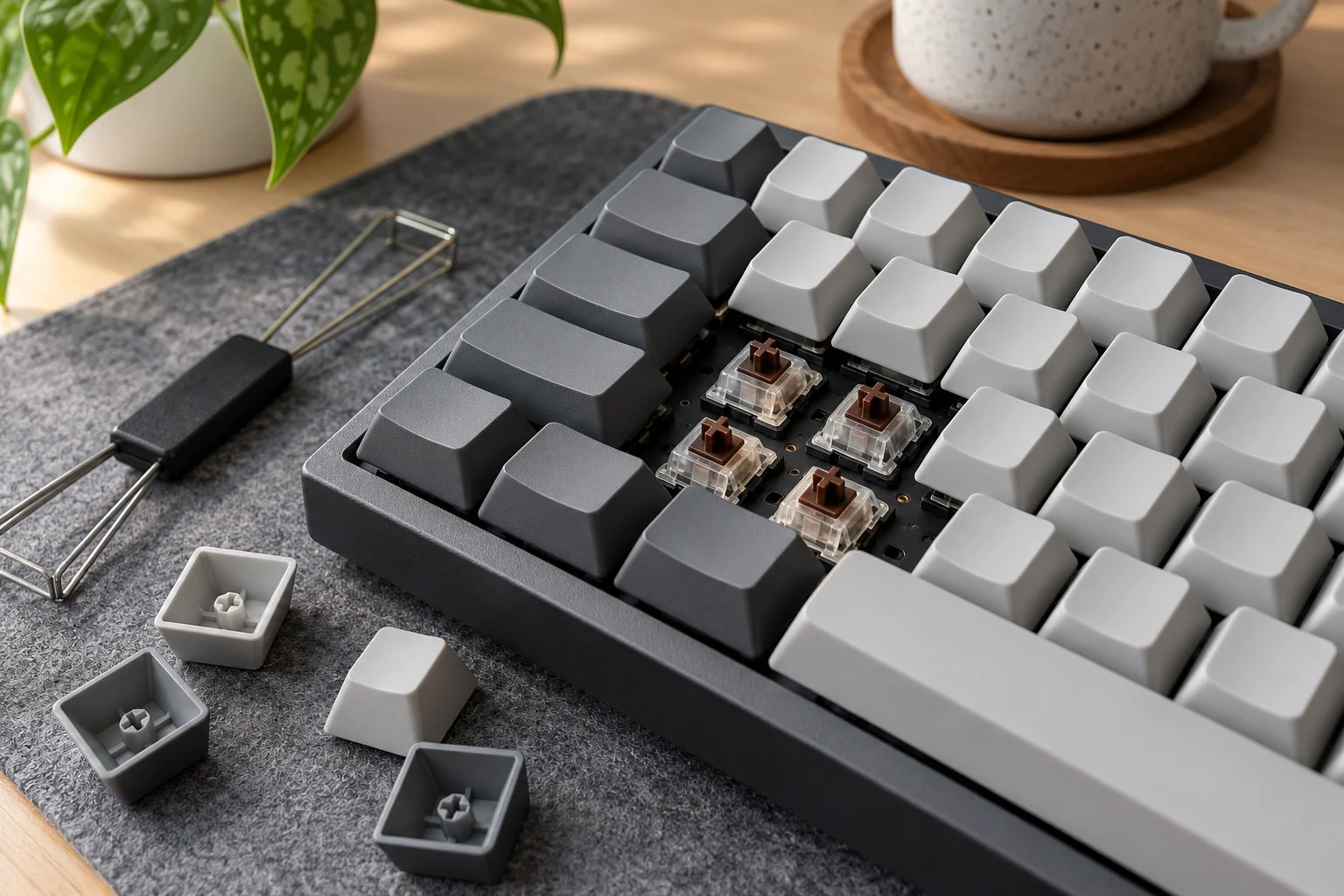
If insertion requires pushing hard, remove the switch and check the pins. Incorrect pin insertion can prevent correct key registration.
Your switch-buying checklist
Keep this checklist with your shortlist, especially when buying for someone else:
- Record the recipient’s exact keyboard model and version.
- Check the supported switch family, profile and mounting requirements.
- Choose a feel to try: linear, tactile or clicky.
- Copy the named force field and its unit from the exact switch specification.
- Record pre-travel and total travel separately.
- Include an ordinary typing session and a listening trial.
- Review the installation instructions before changing switches.
Once you have chosen the keyboard setup, continue planning with our smart home and desk gadgets guide.
Sources
- CHERRY — MX2A RED product page
- CHERRY — MX2A BROWN product page and datasheet
- CHERRY — MX2A BLUE product page
- CHERRY — MX2A SPEED SILVER product page
- CHERRY — MX2A SILENT RED product page
- Gateron — Linear Switches: Choosing the Right Feel
- Glorious — Mistakes to Avoid When Installing Switches
- Keychron — Switch compatibility guide
Related Gift Buying Guides

Ergonomic Vertical Mouse Guide: Handshake Angle, Forearm Pronation, and Sizing
Choose a vertical mouse by hand size, handedness, button reach and connection needs. Understand the 57-degree shell angle, research findings and a gradual transition.
Read buying guide
Rechargeable Clip-On Book Light Guide: 1800K Amber Spectrum and PWM Flicker
Choose a rechargeable book light by page coverage, comfortable dimming, clamp fit and runtime. Understand amber colour temperature and the limits of camera flicker checks.
Read buying guide
Portable USB-C Monitor Guide: DP Alt Mode Single-Cable Power, Peak Nits, and Pass-Through Charging
How to choose a portable USB-C monitor by checking DisplayPort Alt Mode port tiers, single-cable bus power limits, luminance nits, and pass-through charging.
Read buying guide