Portable USB-C Monitor Guide: DP Alt Mode Single-Cable Power, Peak Nits, and Pass-Through Charging
How to choose a portable USB-C monitor by checking DisplayPort Alt Mode port tiers, single-cable bus power limits, luminance nits, and pass-through charging.
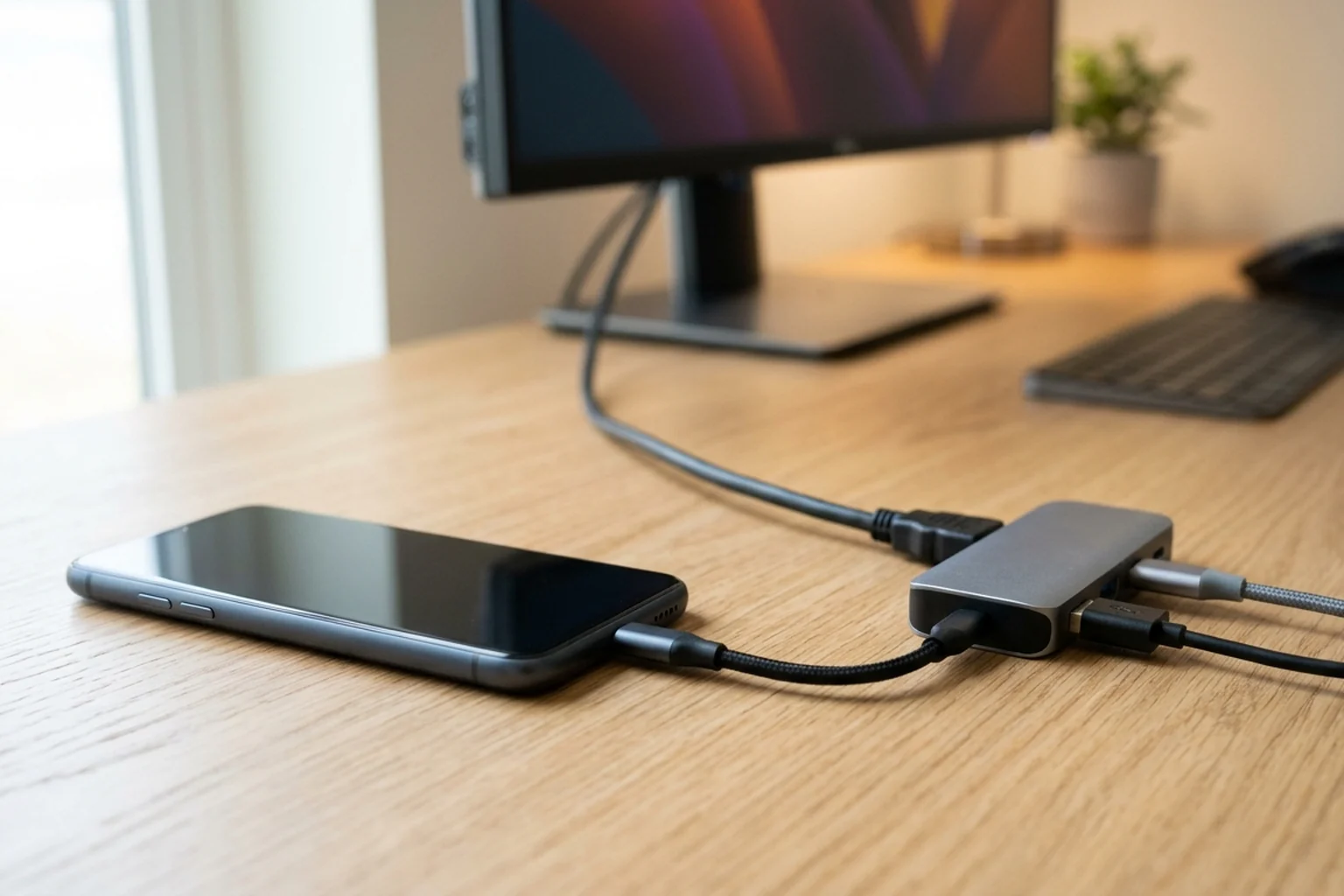
Whether you are shopping for a portable usb c monitor to expand a laptop workspace or comparing portable monitor brightness nits across travel displays, you can explore companion accessories in our smart home and desk gadgets hub and our useful desk setup gift guide.
Of the four USB-C features, only physical connector reversibility is guaranteed across all USB-C ports; some USB-C ports are data-only while others support DP Alt Mode video or PD charging. ASUS classifies laptop USB Type-C ports into 4 functional tiers: (1) data transfer function only, (2) with charging function, (3) with display capability, and (4) full-featured (display capability and charging). Without USB Power Delivery, USB Type-C alone supports up to 5 V at 3 A (15 W), whereas USB PD 3.0 increases maximum power up to 20 V at 5 A (100 W).
Why Some USB-C Ports and Cables Fail to Output Video: DP Alt Mode Pinout and Cable Markings
Use this section when evaluating a dp alt mode usb c monitor connection across your host port and cord.
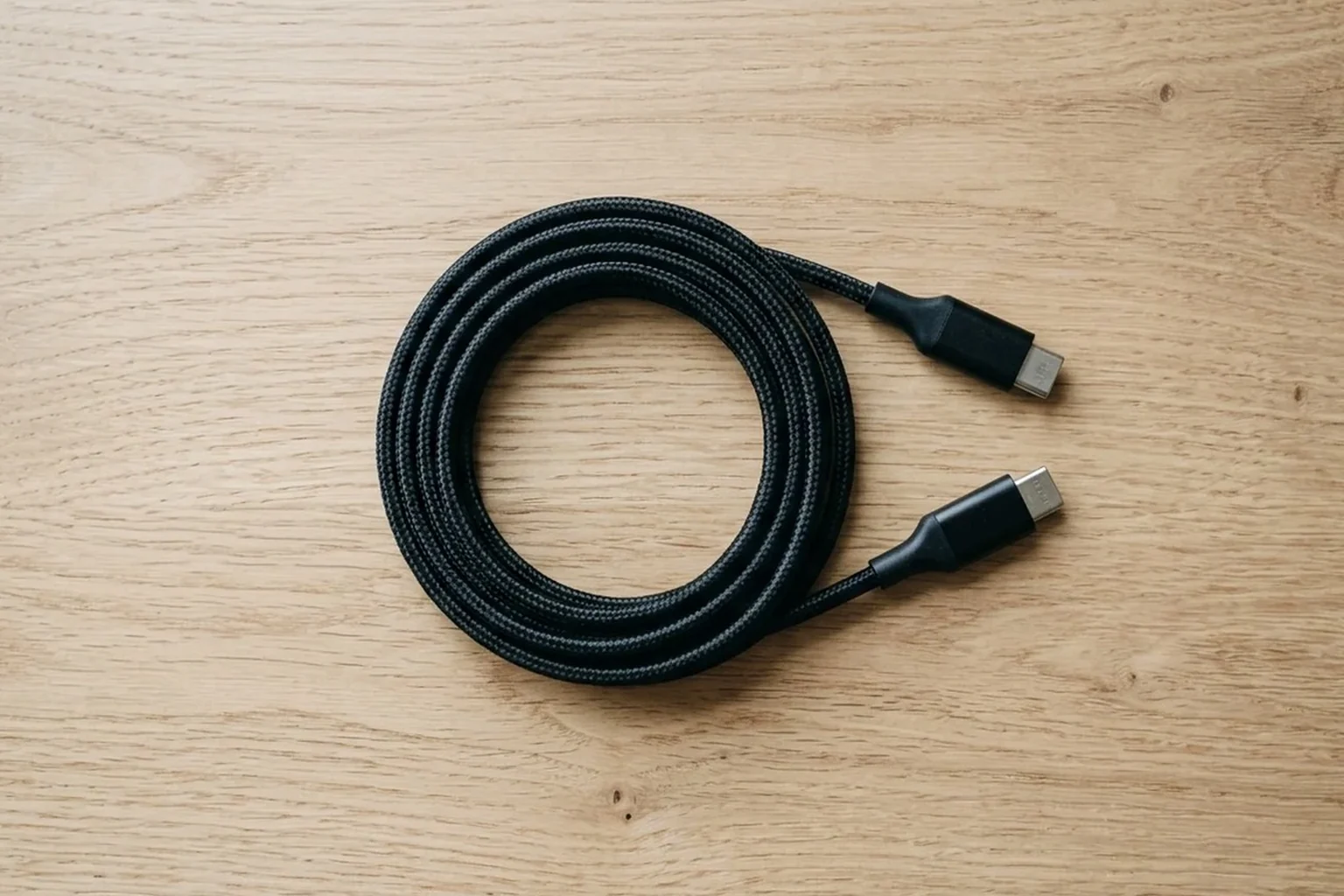
The USB Type-C connector has 24 pins in a mirrored reversible layout with 6 differential pairs in a full-featured cable assembly and 4 new function pins (CC1, CC2, SBU1, SBU2). Entering a USB Type-C Alternate Mode is negotiated port-to-port using the USB Power Delivery protocol over the CC wire and can reassign the TX1+/-, RX1+/-, TX2+/-, RX2+/-, and SBU1/SBU2 signals. DisplayPort Alternate Mode over USB Type-C supports two lane operating modes: 2 DisplayPort lanes plus 1 USB 3.1 lane, or 4 DisplayPort lanes. DisplayPort over USB-C supports 4K at 60Hz 24-bit color (without compression) with simultaneous USB 3.1 data, or 5K (5120 x 2880) display resolution without compression with simultaneous USB 2.0.
When a monitor sees that a USB 2.0 USB Type-C port cannot support DisplayPort, it provides a USB billboard message over the D+/D- lines to communicate to the OS that it requires DisplayPort.
Under the USB-IF Compliance Program, all USB-C to USB-C cables must be labelled with a power capability of 60W or 240W, and all except USB 2.0 cables must be marked with their supported data rate (such as 20Gbps/60W). A passive USB Type-C cable supports USB 2.0 and up to 60W of USB Power Delivery, whereas any USB 3.1 compatible cable or any cable exceeding 60W (such as a 100W PD cable) must be electronically marked (drawing up to 70mW). Standard USB-C does not support multi-monitor video daisy chaining; daisy chaining multiple monitors over a single cable requires Thunderbolt 3 or Thunderbolt 4.
For a closer look at selecting everyday cords for a desk kit, read our guide on how to choose a USB-C cable as a gift.
Single-Cable Bus Power Limits vs External PD Adapters: Standby Thresholds and Brightness Caps
Use this section when evaluating a usb c portable monitor single cable setup across standard USB ports and USB Power Delivery sources.
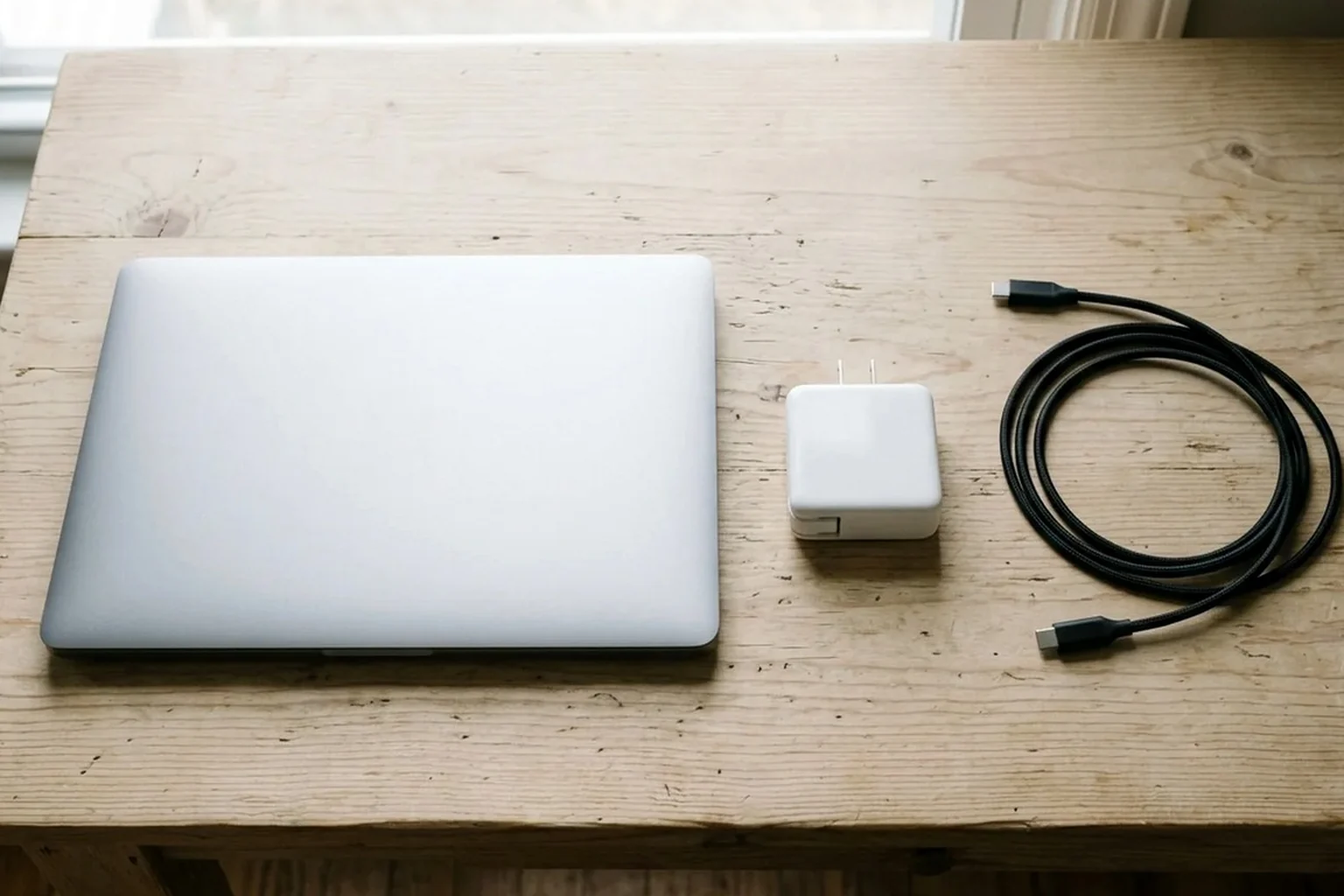
A USB Type-C downstream-facing port (DFP) advertises Default USB Power (500mA/900mA), 1.5A @ 5V, or 3.0A @ 5V using Rp pull-up resistors of 56 kΩ, 22 kΩ, or 10 kΩ (to 4.75V-5.5V) against a 5.1 kΩ UFP Rd pull-down. The USB Type-C specification requires all power sources to monitor current and use overcurrent protection if a connected sink attempts to draw in excess of what the source can supply.
USB Power Delivery is required on USB Type-C to elevate VBUS voltage above 5.5V, increase current above 3A, change default power roles (Provider or Consumer), or enter Alternate Modes. Prior to USB Power Delivery Revision 3.1, USB PD was limited to 100W (20V at 5A); Revision 3.1 adds 28V (above 100W), 36V (above 140W), and 48V (above 180W) fixed voltages to deliver up to 240W over USB Type-C.
Use the table below to compare how specific ViewSonic portable monitors respond to host USB-C power limits, standby thresholds, and automatic brightness caps.
| Monitor Model and Feature | Host Power Requirement | Power and Brightness Behavior |
|---|---|---|
| ViewSonic VG1457 (Standby Threshold) | Lower than 15W (< 5V/3A) | On the ViewSonic VG1457, if USB-C power input is lower than 15W (< 5V/3A), the monitor enters standby mode and requires the external power adapter to resume operation |
| ViewSonic VG1457 (Dual-Screen Input) | 15W on Type C1; 30W on Type C2 | The ViewSonic VG1457 requires a minimum of 15W on port Type C1 to display the upper screen alone and 30W on port Type C2 to drive both screens |
| ViewSonic VG1457 (Low Power Cap) | Low power input over USB-C | When the ViewSonic VG1457 receives low power input over USB-C, it automatically caps default brightness at 70 and volume at 50; raising settings in low power conditions can cause it to black out or restart |
| ViewSonic TD1656-2K (Turn-On & Audio) | More than 10W to turn on; more than 15W at volume 100 | The ViewSonic TD1656-2K draws 7.8W typical power (<0.3W off), requires more than 10W from a USB-C port to turn on, and requires more than 15W from a laptop when Audio Mode volume is set to 100 |
| ViewSonic TD1656-2K (Power Supply Detection) | Laptop or adapter vs mobile phone or tablet | Power Supply Detection on the ViewSonic TD1656-2K sets default brightness to 100 on a laptop or adapter, but lowers brightness to 18 and volume to 50 on a mobile phone or tablet so the display does not flash or shut down |
| ViewSonic VP16-OLED (Host Power & Phone Cap) | Greater than 10W over USB-C | The ViewSonic VP16-OLED requires a host power output greater than 10W over USB-C and lowers default brightness from 100 (on a notebook/adapter) to 15 on a mobile phone so the display does not flash or shut down |
| ViewSonic VX1655-4K-OLED (OLED Power Draw) | Greater than 20W over USB-C | The ViewSonic VX1655-4K-OLED portable monitor draws 23W typical without audio (24W typical with 50% audio), weighs 0.68 kg (1.50 lbs), and requires a USB-C host power output greater than 20W |
Portable Monitor Brightness in Nits, IPS vs OLED Contrast, and Power Draw
Compare how portable projection optics measure light output in our mini portable projector lumens and throw ratio guide.
ASUS ZenScreen Portable Monitor Specifications
The ASUS ZenScreen MB166C is a 15.6-inch 1920x1080 IPS portable monitor with 250 cd/m² typical brightness, 800:1 contrast ratio, 1 USB-C (DP Alt Mode) port, 5.24 W power consumption, and 0.78 kg (1.72 lbs) net weight. The ASUS ZenScreen MB169CK is a 15.6-inch 1920x1080 IPS monitor with 250 cd/m² typical brightness, 800:1 contrast ratio, 2 USB-C (DP Alt Mode) ports plus 1 Mini HDMI port, and 7.64 W power consumption. The ASUS ZenScreen MB16AHG is a 15.6-inch (1920x1080) IPS portable monitor with a 144Hz max refresh rate, 300 cd/m² typical brightness, 1200:1 contrast ratio, 100% sRGB, <=17W power draw, and a bundled power adapter.
The ASUS ZenScreen MB16QHG is a 16-inch 2560x1600 (16:10) IPS monitor with 500 cd/m² typical brightness, 1200:1 contrast ratio, 100% DCI-P3, VESA DisplayHDR 400, <13W power consumption, and a bundled power adapter. The ASUS ZenScreen OLED MQ16AH is a 15.6-inch 1920x1080 OLED monitor with 360 cd/m² typical brightness, 400 cd/m² HDR peak brightness, 100,000:1 typical contrast ratio, 15 W power consumption, and 0.65 kg net weight.
Lenovo ThinkVision and ViewSonic OLED Specifications
The Lenovo ThinkVision M14 is a 14-inch 1920x1080 IPS monitor rated at 300 cd/m² brightness, 700:1 contrast ratio, 6W typical / 7.5W maximum power consumption (4.88W Energy Star Power On), and 0.598 kg (1.31 lbs) weight. The Lenovo ThinkVision M14d is a 14-inch 2240x1400 (16:10) IPS monitor with 300 cd/m² typical and 375 cd/m² peak brightness, 1500:1 contrast ratio, 100% sRGB, 6W typical / 7.5W max power draw, and 0.6 kg (1.3 lbs) weight. The Lenovo ThinkVision M14t Gen 2 is a 14-inch 2240x1400 10-point touch IPS monitor with 300 cd/m² panel brightness (270 cd/m² set), 1500:1 contrast ratio, 8W typical / 9.5W maximum power consumption, and 0.7 kg (1.5 lbs) weight. The Lenovo ThinkVision M15 is a 15.6-inch 1920x1080 IPS monitor with 250 cd/m² brightness, 1000:1 contrast ratio, 8W typical / 9.5W maximum power consumption, and 0.9 kg (1.9 lbs) weight with stand.
The ViewSonic VP16-OLED has a 15.6-inch viewable area (1920x1080 OLED) with 400 cd/m² brightness, 100,000:1 static contrast ratio, and power draw of 5.5W (Eco Conserve), 6.6W (Eco optimized), 7.6W (typical), and 17W (maximum).
Use the reference matrix below to compare panel size, resolution, luminance in nits, contrast ratio, and power consumption across reference portable monitors.
| Monitor Model | Panel Size and Resolution | Brightness and Contrast Ratio | Power Draw and Weight |
|---|---|---|---|
| ASUS ZenScreen MB166C | 15.6-inch 1920x1080 IPS (1 USB-C DP Alt Mode port) | 250 cd/m² typical brightness; 800:1 contrast ratio | 5.24 W power consumption; 0.78 kg (1.72 lbs) net weight |
| ASUS ZenScreen MB169CK | 15.6-inch 1920x1080 IPS (2 USB-C DP Alt Mode + 1 Mini HDMI) | 250 cd/m² typical brightness; 800:1 contrast ratio | 7.64 W power consumption |
| ASUS ZenScreen MB16AHG | 15.6-inch 1920x1080 IPS (144Hz max refresh rate, 100% sRGB) | 300 cd/m² typical brightness; 1200:1 contrast ratio | <=17W power draw; includes bundled power adapter |
| ASUS ZenScreen MB16QHG | 16-inch 2560x1600 (16:10) IPS (100% DCI-P3, VESA DisplayHDR 400) | 500 cd/m² typical brightness; 1200:1 contrast ratio | <13W power consumption; includes bundled power adapter |
| ASUS ZenScreen OLED MQ16AH | 15.6-inch 1920x1080 OLED | 360 cd/m² typical brightness (400 cd/m² HDR peak); 100,000:1 typical contrast ratio | 15 W power consumption; 0.65 kg net weight |
| Lenovo ThinkVision M14 | 14-inch 1920x1080 IPS | 300 cd/m² brightness; 700:1 contrast ratio | 6W typical / 7.5W maximum (4.88W Energy Star Power On); 0.598 kg (1.31 lbs) |
| Lenovo ThinkVision M14d | 14-inch 2240x1400 (16:10) IPS (100% sRGB) | 300 cd/m² typical and 375 cd/m² peak brightness; 1500:1 contrast ratio | 6W typical / 7.5W max power draw; 0.6 kg (1.3 lbs) |
| Lenovo ThinkVision M14t Gen 2 | 14-inch 2240x1400 10-point touch IPS | 300 cd/m² panel brightness (270 cd/m² set); 1500:1 contrast ratio | 8W typical / 9.5W maximum power consumption; 0.7 kg (1.5 lbs) |
| Lenovo ThinkVision M15 | 15.6-inch 1920x1080 IPS | 250 cd/m² brightness; 1000:1 contrast ratio | 8W typical / 9.5W maximum power consumption; 0.9 kg (1.9 lbs) with stand |
| ViewSonic VP16-OLED | 15.6-inch 1920x1080 OLED | 400 cd/m² brightness; 100,000:1 static contrast ratio | 5.5W (Eco Conserve), 6.6W (Eco optimized), 7.6W (typical), 17W (maximum) |
| ViewSonic VX1655-4K-OLED | OLED portable monitor (requires >20W host USB-C output) | Portable OLED panel | 23W typical without audio (24W typical with 50% audio); 0.68 kg (1.50 lbs) |
Pass-Through USB-C Charging Math: Monitor Rails, Hub Reserves, and MacBook Wattage
USB Power Delivery makes power direction flexible rather than fixed, enabling a wall-powered monitor to power or charge a connected laptop while displaying video.
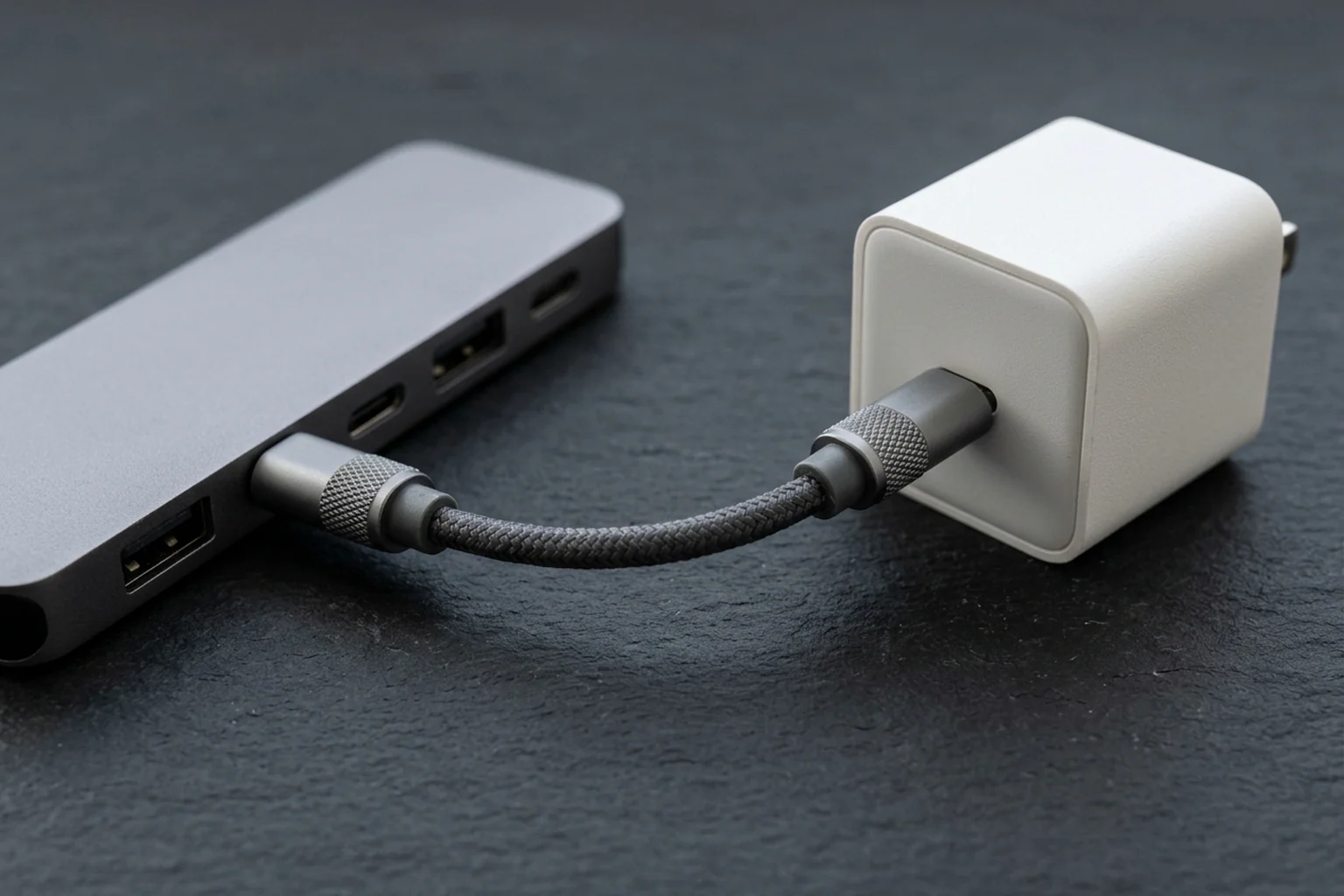
Both USB-C ports on the Lenovo ThinkVision M14t Gen 2 support up to 65W USB PD, and Lenovo states that actual power delivery capacity may decline with downstream USB ports connected or a higher brightness setting. The Lenovo ThinkVision M15 operates on DC 5 / 9 / 15 / 20 V over 2 USB-C 3.2 Gen 1 (DP 1.2 Alt Mode) ports, and Lenovo notes that actual power delivery capacity may decline when downstream USB ports are connected or at a higher brightness setting.
To enable USB-C pass-through charging on the ViewSonic TD1656-2K, the external USB-C power adapter must provide a minimum of 30W for mobile devices and at least 65W for laptops (PD 20V/3.25A, 15V/3A, 12V/2.16A, 9V/1.8A, 5V/0.9A). When its external power adapter is connected, the ViewSonic VP16-OLED charges a connected notebook or mobile phone with USB-C Power Delivery output rails of DC 9V/1.33A, 12V/1.75A, 15V/2A, and 20V/2.0A. When its external power adapter is connected, the ViewSonic VX1655-4K-OLED charges a connected notebook or mobile phone with USB-C Power Delivery output rails of DC 5V/9V/12V/15V/20V at Max 3A.
On the Anker 555 (8-in-1) and Anker 565 (11-in-1) USB-C hubs, a 100W PD input delivers ~85W to the host laptop, while the Anker Desktop USB-C Hub delivers up to 80W from a 100W input.
A MacBook Air (M1, M2, M3, M4) can charge via USB-C with as little as 30W to 45W of power, so a monitor providing 60W or higher USB-C PD can power the laptop and carry video over a single cable. Apple recommends 30W, 35W, 67W, or 70W USB-C power adapters for MacBook Air (2022 or later), 67W, 70W, or 96W adapters for 14-inch MacBook Pro (2021 or later), and a 140W adapter for 16-inch MacBook Pro (2021 or later). A Mac laptop charges over only one port at a time by selecting the power source that provides the most power, and displays “Slow Charger” in the battery status menu if delivered wattage is too low for the model.
Use the table below to compare pass-through voltage rails, hub wattage deductions, and Mac adapter thresholds. For guidance on picking wall adapters for mobile setups, visit our phone charger gift buying guide.
| Hardware Model or Laptop Series | Pass-Through Input or Voltage Profile | Delivered Output and Operating Rule |
|---|---|---|
| Lenovo ThinkVision M14t Gen 2 | Both USB-C ports support up to 65W USB PD | Actual power delivery capacity may decline with downstream USB ports connected or a higher brightness setting |
| Lenovo ThinkVision M15 | DC 5 / 9 / 15 / 20 V over 2 USB-C 3.2 Gen 1 (DP 1.2 Alt Mode) ports | Actual power delivery capacity may decline when downstream USB ports are connected or at a higher brightness setting |
| ViewSonic TD1656-2K | PD 20V/3.25A, 15V/3A, 12V/2.16A, 9V/1.8A, 5V/0.9A | External USB-C power adapter must provide a minimum of 30W for mobile devices and at least 65W for laptops |
| ViewSonic VP16-OLED | External power adapter connected | Charges a connected notebook or mobile phone with USB-C Power Delivery output rails of DC 9V/1.33A, 12V/1.75A, 15V/2A, and 20V/2.0A |
| ViewSonic VX1655-4K-OLED | External power adapter connected | Charges a connected notebook or mobile phone with USB-C Power Delivery output rails of DC 5V/9V/12V/15V/20V at Max 3A |
| Anker 555 (8-in-1), Anker 565 (11-in-1), and Anker Desktop USB-C Hub | 100W PD input | Anker 555 (8-in-1) and Anker 565 (11-in-1) deliver ~85W to the host laptop, while the Anker Desktop USB-C Hub delivers up to 80W from a 100W input |
| Apple MacBook Air and MacBook Pro | USB-C power adapter recommendations | 30W, 35W, 67W, or 70W for MacBook Air (2022 or later); 67W, 70W, or 96W for 14-inch MacBook Pro (2021 or later); 140W for 16-inch MacBook Pro (2021 or later) |
Portable USB-C Monitor Buying and Setup Checklist
Review these verification steps before buying or connecting a portable USB-C monitor:
- Confirm the laptop USB-C port tier: ASUS classifies laptop USB Type-C ports into 4 functional tiers: (1) data transfer function only, (2) with charging function, (3) with display capability, and (4) full-featured (display capability and charging).
- Check USB-IF cable markings and E-Marker support: Under the USB-IF Compliance Program, all USB-C to USB-C cables must be labelled with a power capability of 60W or 240W, and all except USB 2.0 cables must be marked with their supported data rate (such as 20Gbps/60W).
- Compare panel power draw against 15W standard USB-C bus power: Without USB Power Delivery, USB Type-C alone supports up to 5 V at 3 A (15 W), whereas USB PD 3.0 increases maximum power up to 20 V at 5 A (100 W).
- Account for USB-C hub internal wattage reserves: Most USB-C hubs advertising 100W Power Delivery refer to input power into the hub; the hub reserves 15–20W for internal circuitry, leaving roughly 80–85W for the connected laptop.
- Use Thunderbolt for multi-monitor daisy chains: Standard USB-C does not support multi-monitor video daisy chaining; daisy chaining multiple monitors over a single cable requires Thunderbolt 3 or Thunderbolt 4.
Frequently Asked Questions
Why does my portable USB-C monitor show no video when connected with a charging cable?
A standard USB 2.0 Type-C cable wires only GND, VBUS, CC, optional VCONN, and 1 twisted pair (A6 DP / A7 DM), omitting the SSTX1/2, SSRX1/2, and SBU1/SBU2 wires of a Full-Featured cable. When a monitor sees that a USB 2.0 USB Type-C port cannot support DisplayPort, it provides a USB billboard message over the D+/D- lines to communicate to the OS that it requires DisplayPort.
Why does my ViewSonic portable monitor cap brightness when powered by a phone or low-power USB-C port?
When the ViewSonic VG1457 receives low power input over USB-C, it automatically caps default brightness at 70 and volume at 50; raising settings in low power conditions can cause it to black out or restart. Power Supply Detection on the ViewSonic TD1656-2K sets default brightness to 100 on a laptop or adapter, but lowers brightness to 18 and volume to 50 on a mobile phone or tablet so the display does not flash or shut down. The ViewSonic VP16-OLED requires a host power output greater than 10W over USB-C and lowers default brightness from 100 (on a notebook/adapter) to 15 on a mobile phone so the display does not flash or shut down.
Why does my Mac display a Slow Charger warning when charging through a monitor or USB-C hub?
A Mac laptop charges over only one port at a time by selecting the power source that provides the most power, and displays “Slow Charger” in the battery status menu if delivered wattage is too low for the model. Most USB-C hubs advertising 100W Power Delivery refer to input power going into the hub; the hub reserves 15–20W to run its internal circuitry, leaving roughly 80–85W for the connected laptop.
Sources
- USB Implementers Forum (USB-IF) — USB Type-C Cable and Connector Specification
- VESA — DisplayPort Alternate Mode on USB-C Technical Overview
- USB Implementers Forum (USB-IF) — USB Power Delivery and Cable Compliance Program
- USB Promoter Group — USB Power Delivery Specification Announcement
- Texas Instruments — USB Type-C and Power Delivery Technical Primer
- Microchip Technology — Introduction to USB Type-C Application Note
- ASUS Support — Laptop USB Type-C Port Function Classification Guide
- ASUS — ZenScreen Portable Monitor Technical Specifications
- ViewSonic — Portable Monitor User Guides and Power Supply Detection Documentation
- Lenovo — ThinkVision Mobile Monitor Product Specifications Reference
- Anker Support — USB-C Hub Pass-Through Power Delivery Technical Guide
- BenQ — MacBook USB-C DisplayPort Alt Mode and Power Delivery Guide
- Apple Support — Charge Your Mac Laptop and Power Adapter Identification Guide
- Dell Support — Monitor Daisy Chaining over USB-C and Thunderbolt Guide
Related Gift Buying Guides
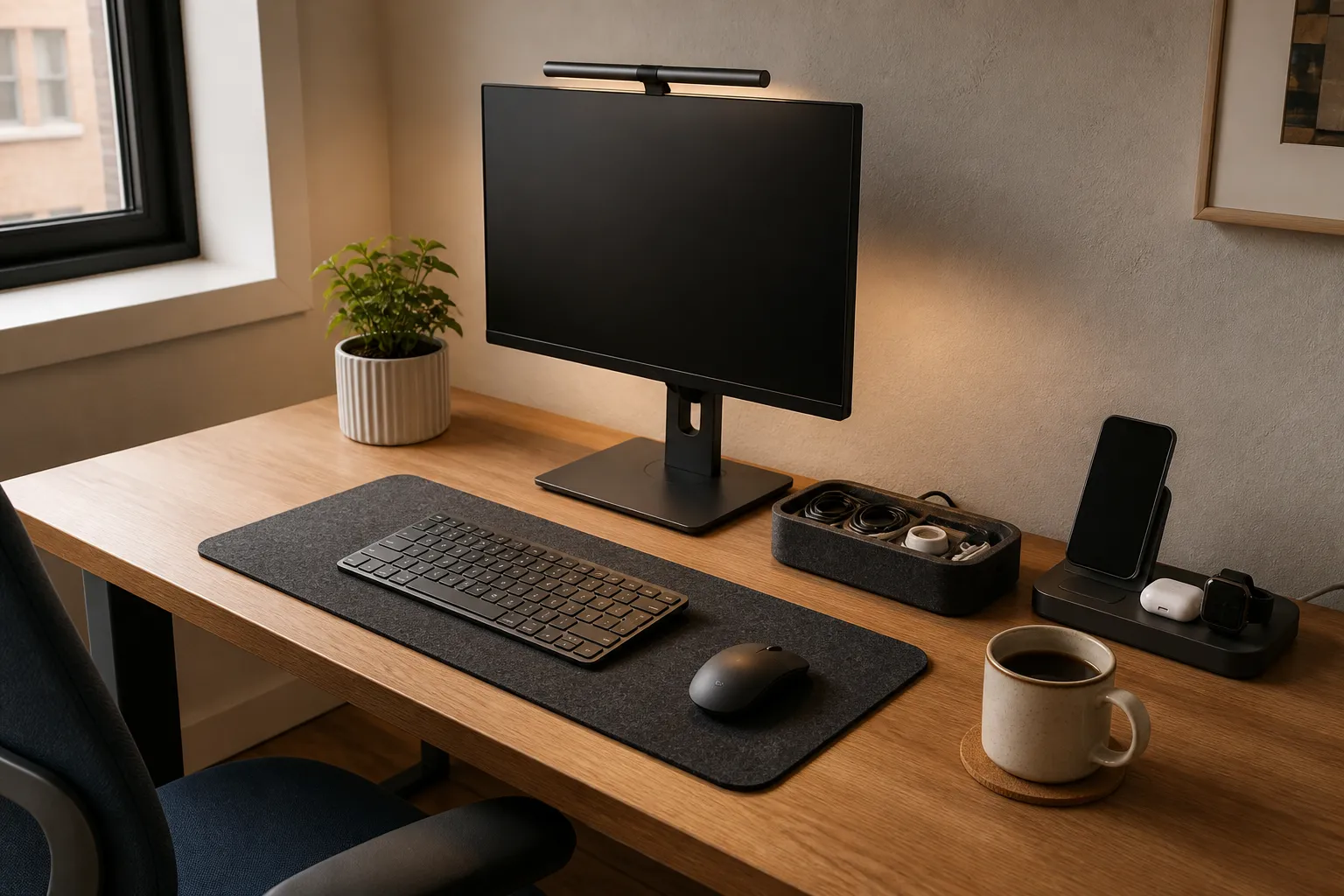
Build a Desk Setup Gift That Helps Every Day
Choose useful desk gifts by available work space, comfortable device access, cable routes, clamp fit and daily storage needs.
Read buying guide
Mechanical Keyboard Switches Guide: Actuation Force, Pre-Travel, and Hot-Swap Socket Compatibility
Compare mechanical keyboard switches by feel, actuation force, pre-travel and socket fit. Use the specification table and checklist to plan your purchase.
Read buying guideErgonomic Vertical Mouse Guide: Handshake Angle, Forearm Pronation, and Sizing
Choose a vertical mouse by hand size, handedness, button reach and connection needs. Understand the 57-degree shell angle, research findings and a gradual transition.
Read buying guide