Smart Home & Desk Gadgets
Choose useful desk and smart-home gifts: cable management, magnetic charging docks, lighting, e-paper calendars and input devices that fit the space and household.
Start with the work surface and the household’s existing devices. A useful desk gift removes a familiar inconvenience without adding an awkward cable, account or daily setup step. Measure the available space, identify the phone and computer models, and ask which routines the recipient wants to improve.
Cable management and desk layout
Map the keyboard and mouse area before adding organizers. Route power and data leads away from moving chair parts, walkways and items that must be removed daily. A tray or clip should fit the desk material and leave plugs accessible; check clamp dimensions and adhesive suitability before attaching anything.
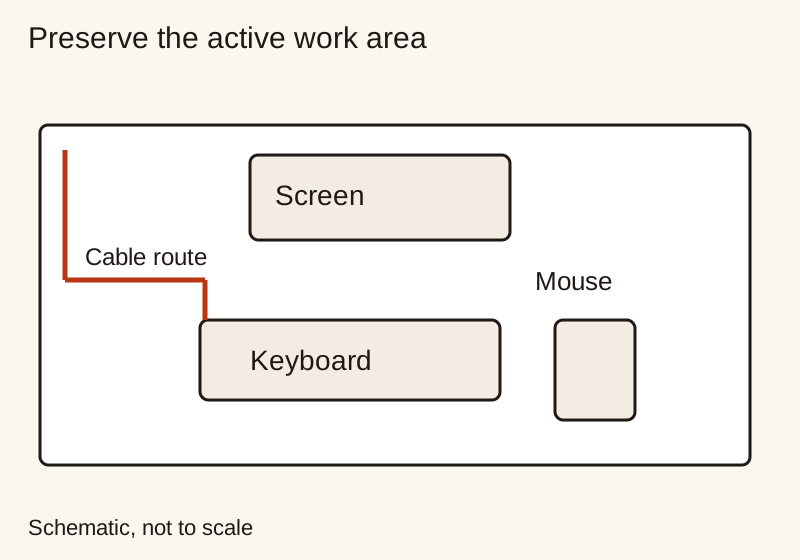
The Oregon OSHA workstation checklist treats screen, keyboard, pointing device and posture together. Raising a laptop may also require separate input devices. Read the desk setup gift guide for surface and clamp checks, or compare a phone stand for calls and recipes.
Vertical mice: fit before angle
Logitech lists a 57° shell angle for both Lift and MX Vertical, with Lift aimed at small to medium hands and MX Vertical at medium to large hands. Handedness, comfortable button reach and a trial period matter alongside that angle. The vertical mouse guide explains hand measurement, sensitivity and the evidence on posture. Persistent pain or numbness deserves professional advice.
Magnetic and multi-device charging docks
List the exact phone, watch and earbud case before choosing a three-in-one station. Each charging position has its own compatibility requirements; a magnetic phone attachment does not establish support for the watch or earbuds. Verify the case, supported charging standard, required adapter and included cable.
The Wireless Power Consortium’s Qi guidance explains certified wireless charging. Use the exact model’s certification and compatibility information, plus the phone maker’s instructions. Check how a dock sits with the case attached and whether the phone can be lifted without pulling the entire station along.
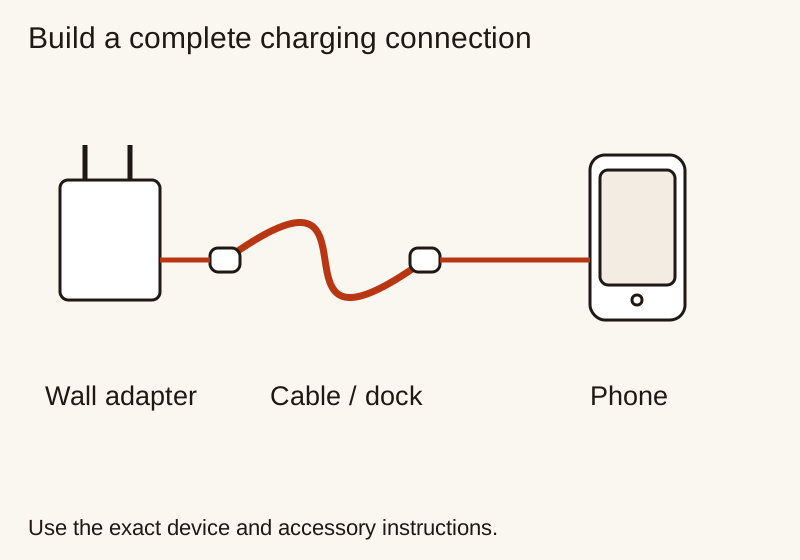
For a simpler charging upgrade, compare the phone charger guide and USB-C cable guide. A short cable routed properly may solve the actual problem more directly than a new dock.
Task lights and smart ambient lights
Choose task lighting for page or desk visibility, and ambient lighting for the wider room. Check glare from the seated position and whether the lowest setting is comfortable. For evening reading, an amber setting is a preference to evaluate alongside intensity and direction; it does not certify a sleep benefit.
The clip-on book light guide compares documented controls, runtime settings, clamp fit and flicker evidence. For smart ambient lamps, check the household platform, required controller and ordinary physical switch behavior before comparing colour effects.
E-paper calendars and shared displays
An e-paper calendar is useful when the recipient wants a persistent glanceable schedule. E Ink explains its reflective display technology. The finished calendar’s connectivity, refresh behavior, lighting and power requirements still come from its own product documentation.
Check which calendar accounts it supports, whether updates need a subscription, what remains visible when offline and how time-zone changes are handled. A shared display may reveal private appointment names, so let the household choose calendars and privacy settings. Verify desk or wall mounting and whether the text can be read from the intended distance.
Smart-home compatibility and household control
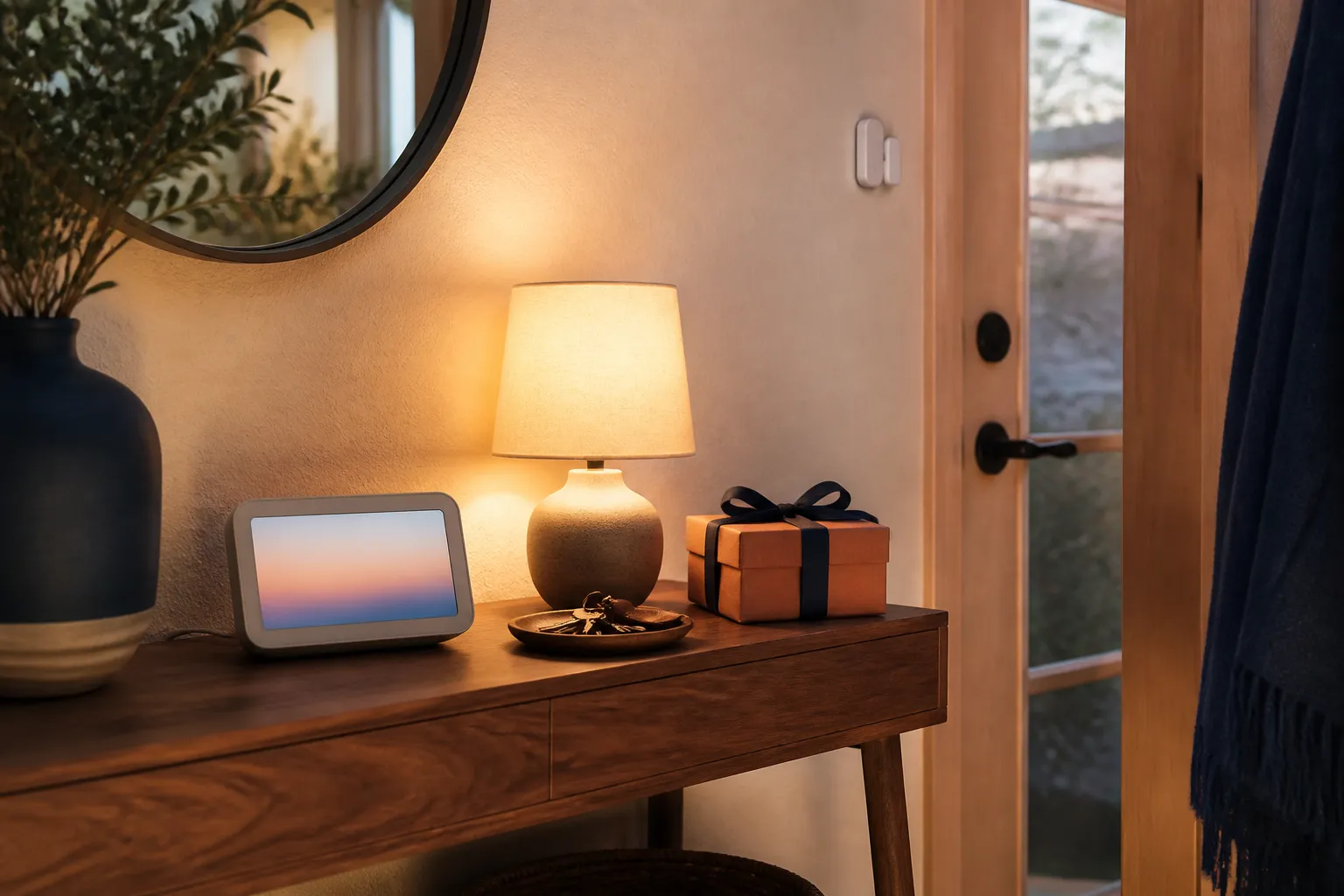
The Connectivity Standards Alliance Matter FAQ distinguishes the application protocol from underlying networks such as Wi-Fi and Thread. Some accessories need a Thread border router; some households already have one in another device. Check exact models rather than buying an extra hub by default.
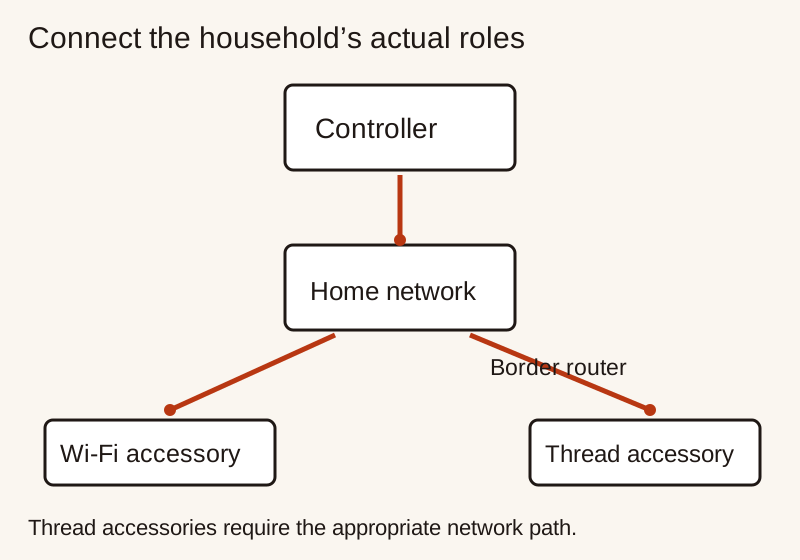
Use the smart-home compatibility checklist to confirm platform support, account ownership, physical controls and consent before installation. A gift that still works for guests and family members without requiring everyone to install an app is easier to live with.
Choose the first useful improvement
For a crowded desk, prioritize routing and surface space. For an awkward screen position, compare stands and input placement. For an established reading habit, check a light on the actual book. For connected accessories, verify the household’s platform and wanted function first. Keep the gift reversible with instructions and an exchange receipt.
In-Depth Buying Guides in This Pillar
Rechargeable Clip-On Book Light Guide: 1800K Amber Spectrum and PWM Flicker
Choose a rechargeable book light by page coverage, comfortable dimming, clamp fit and runtime. Understand amber colour temperature and the limits of camera flicker checks.
Read buying guide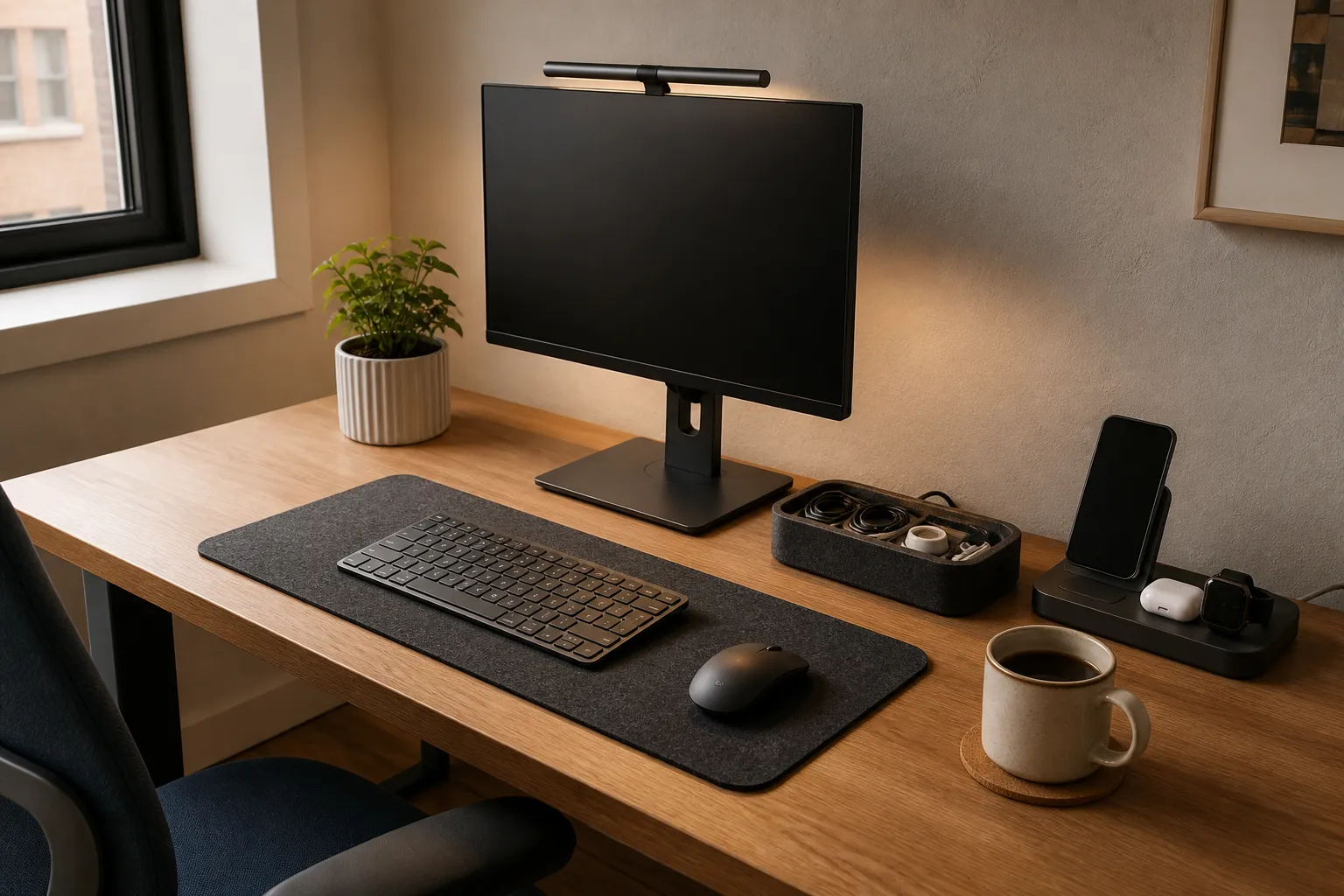
Ergonomic Vertical Mouse Guide: Handshake Angle, Forearm Pronation, and Sizing
Choose a vertical mouse by hand size, handedness, button reach and connection needs. Understand the 57-degree shell angle, research findings and a gradual transition.
Read buying guide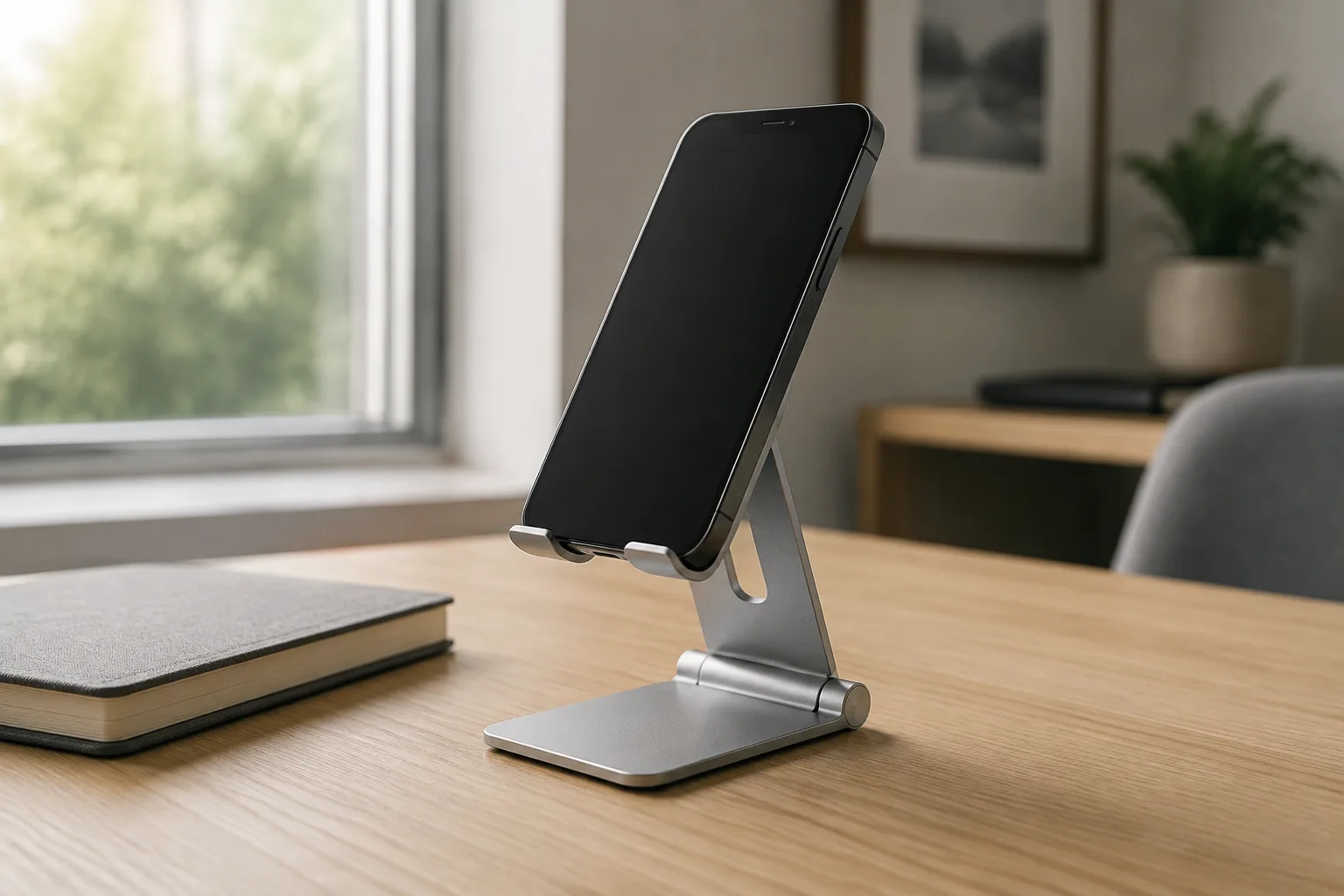
How to Choose a Phone Stand as a Useful Gift
Choose a desk phone stand by phone and case fit, viewing position, stability, cable access and storage space.
Read buying guideSmart Home Gift Compatibility: Check Matter, Thread & Household Roles
Check a smart-home gift against the household platform, network, controller and accessory requirements, then plan account setup and everyday controls.
Read buying guideBuild a Desk Setup Gift That Helps Every Day
Choose useful desk gifts by available work space, comfortable device access, cable routes, clamp fit and daily storage needs.
Read buying guide