How to Choose a Phone Stand as a Useful Gift
Choose a desk phone stand by phone and case fit, viewing position, stability, cable access and storage space.
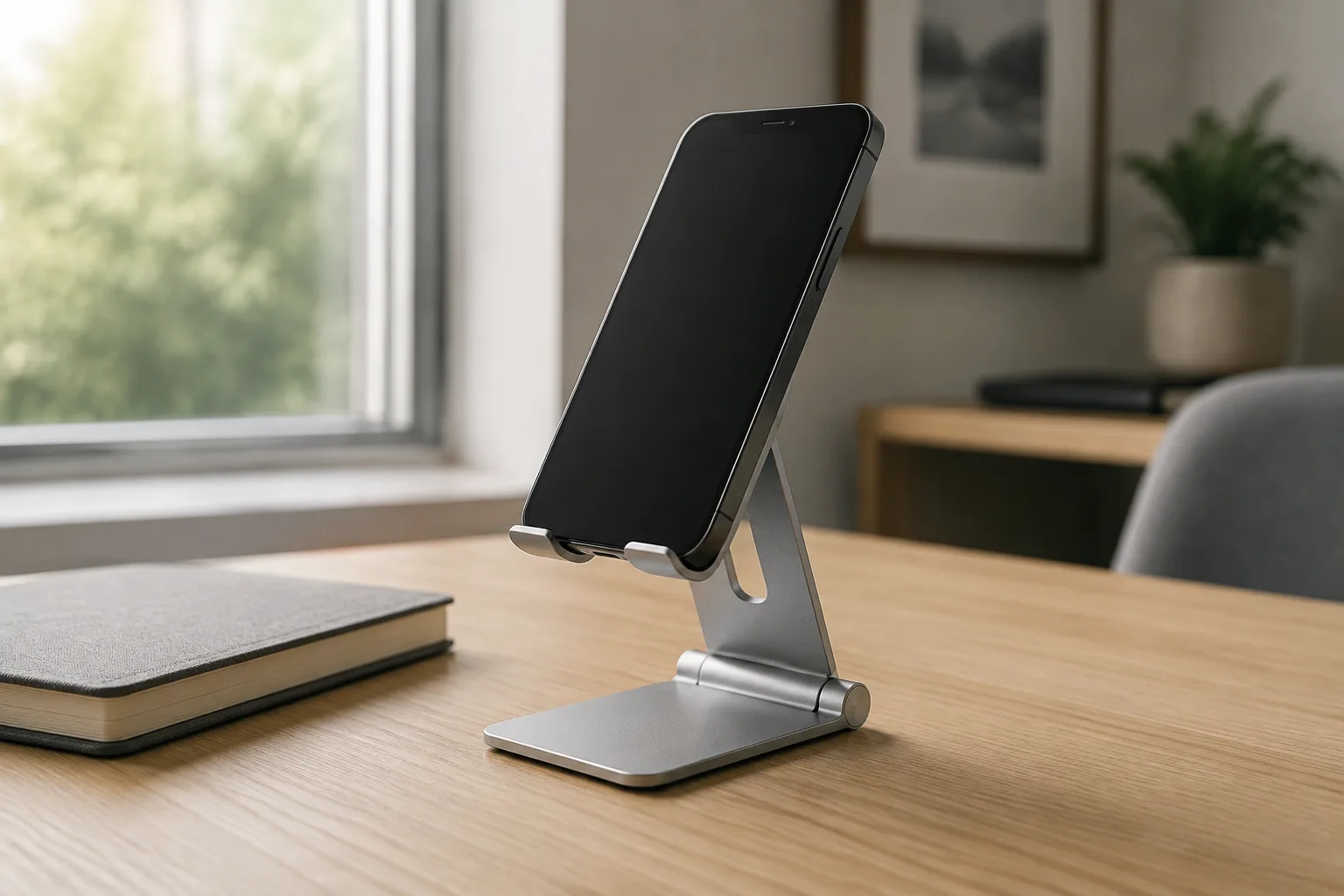
Choose a phone stand gift around the phone in its everyday case and the place where it will be used. Verify the support or grip dimensions, the required screen orientation, cable clearance and storage footprint. Then ask how often the person will touch the screen. A stand that holds a phone for watching may need a different evaluation from one used for frequent taps during a recipe or call.
Start with the screen task and the surface
Name the first task: following a recipe, joining a video call, reading a timer or watching something while folding laundry. Then name the surface. A fixed desk, a narrow bedside shelf and a kitchen counter have different available space and storage requirements. Avoid starting with an attractive stand and inventing a use for it afterward.
Find out whether the person wants the phone raised, simply tilted or kept from lying flat. Those are different requests. More height and a longer adjustable arm are not automatically useful when the person only wants a compact viewing angle beside a notebook. A large accessory can solve a placement problem while creating a storage problem.
Choose a desk stand for stationary, non-vehicle use. Car, bicycle and other moving mounts introduce separate mounting and safety requirements. Do not assume a desk accessory is suitable for them. If you are still deciding whether a phone accessory is welcome, begin with the routine-based technology gift guide before choosing a mounting format.
Measure the phone as it is actually carried
Use the phone with its usual case, not only the bare-phone dimensions from a specification page. Record the dimensions relevant to the stand’s grip or cradle. Look for a rear wallet, ring, camera surround or other attached part that changes how the phone rests. Ask whether that accessory normally stays on rather than making removal an unspoken requirement of the gift.
The relevant measurement depends on the design. A cradle needs enough room for the device to sit as intended. A gripping holder needs a documented opening range and suitable contact points. A magnetic support needs explicit compatibility with the phone and case arrangement. Do not transfer a fit claim between those mechanisms.
The Twelve South HoverBar Duo product page is an example of documentation that separates device-holder dimensions from shelf-clamp dimensions and provides model-specific compatibility information. Use the maker’s stated ranges for the exact product and the phone with its case fitted.
If the product listing says only “universal,” look for the manual or a dimensional drawing. Ask the manufacturer about the exact phone, case and orientation if the fit remains unclear. Treat an unanswered fit question as unresolved, not as a reason to buy first and hope the recipient can make it work.
Check portrait and landscape as separate positions
Decide which orientation the intended task needs. A person may want portrait for a call and landscape for a video, but that does not mean every stand supports both equally. Look at the maker’s instructions for each position and check whether a grip, ledge or cable blocks the intended arrangement.
Rotation convenience matters too. Does changing orientation mean lifting out the phone, adjusting a clamp or turning a joint? None of those is automatically a problem. Compare the action with how often the recipient will switch, and whether they want to do it with one hand. Do not advertise one-handed operation unless it is documented or actually demonstrated for the relevant setup.
Apple’s StandBy instructions provide a useful task-specific example: the described iPhone arrangement involves charging, a sideways position and keeping the device stationary. If StandBy is the reason for the gift, check the recipient’s device and software as well as the stand. Simply placing an iPhone upright in a holder does not meet that described use.
Do not promise that a stand adds a software feature to the phone. It supports a physical arrangement; the phone, operating system and charging setup determine the rest. The distinction is useful whenever a product image shows an appealing screen mode that the recipient expects to reproduce.
Match adjustment to the viewing position
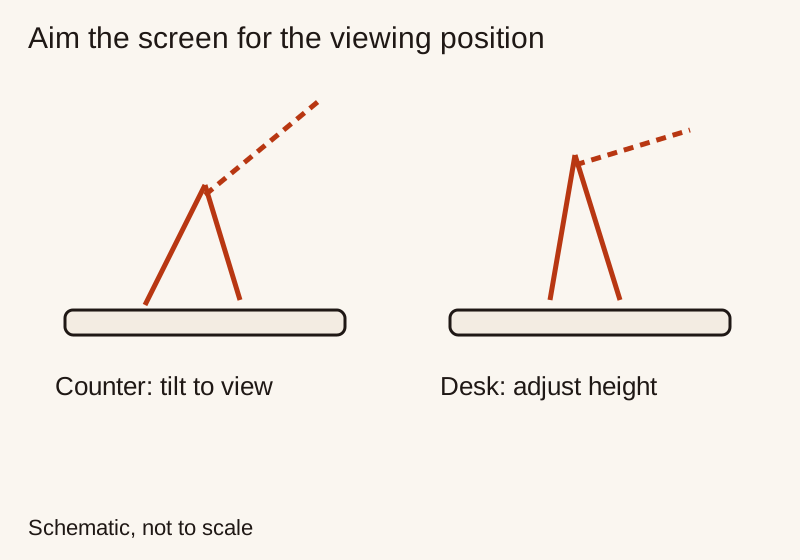
Think about where the recipient’s eyes and hands will be during the task. Someone seated at a desk needs a different arrangement from someone standing at a counter. Record the desired position without turning it into a medical prescription. Choose a viewing position that feels comfortable during the intended task.
Compare the documented height and tilt range with the required position. Also inspect what happens at the extremes. A stand’s maximum extension in a photograph is not evidence that it supports every listed device comfortably in that position. Follow the maker’s load and adjustment instructions, including any joint-tightening procedure.
For video calls, check whether the phone’s camera remains unobstructed and whether the intended placement gives the framing the person wants. A holder can fit the body while covering a control or requiring the camera to face an inconvenient direction. The desk setup gift guide helps account for surrounding monitors, notebooks and other objects in that space.
Evaluate stability for touching, not just displaying
Ask how the screen will be used. Passive viewing involves fewer interactions than scrolling a document, selecting a recipe step or handling call controls. Do not describe a stand as stable for those actions merely because a promotional photo shows a phone sitting in it.
Before purchase, inspect the maker’s supported device range, base design and adjustment instructions. After opening, any practical check should follow those instructions on a suitable surface, with the device protected from a fall. Look for unwanted movement during ordinary, gentle use; this is not an invitation to stress-test a gift or exceed its rated limits.
A heavier base alone does not settle the question. Nor does a photograph of a tall arm tell you how it behaves during repeated taps. If the intended use cannot be established from documentation or a permitted trial, preserve an exchange option rather than promising performance that has not been checked.
For clamp-mounted designs, get permission before attaching anything to furniture. Verify surface material, thickness and access beneath the mounting point. A drawer or rear apron can obstruct a clamp even when the visible tabletop looks suitable. Avoid installation if the maker’s requirements or the surface construction are unknown.
Leave room for the charging connection
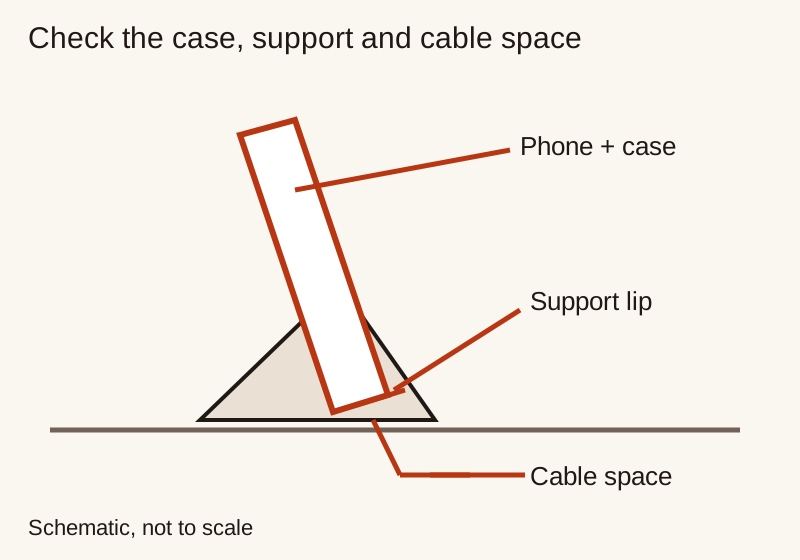
If the phone will charge while supported, check the path from its port to the cable. The connector housing needs room, not just the flexible cable. A support ledge or low cradle may obstruct the connection or require an awkward bend. Compare the actual phone, case and cable together.
A magnetic stand is not necessarily a charger. Read the included-items list and the product’s stated function. If charging hardware is separate, establish whether the recipient already owns the required part or whether the complete gift needs an additional purchase. Do not assume that a charging accessory visible in a product image is supplied.
Our USB-C cable gift guide explains connector housing and route length. For a battery used beside the stand, the power bank guide checks the source side. Add only the parts needed for the intended task; a simple passive stand may be the complete gift if charging is not required there.
Compare working size with stored size
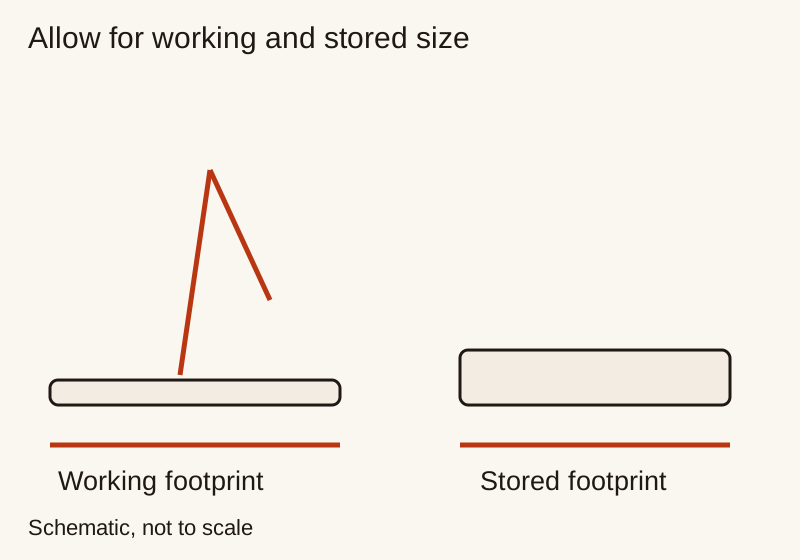
For a stand that moves between rooms or travels in a bag, measure the folded form as carefully as the open form. Include protruding grips, attached cables and loose pieces that need to stay together. Check the place where it will be stored rather than assuming “foldable” means pocket-sized.
A stand for a permanent desk can prioritize a useful resting position. A stand for a shared dining table may need to disappear quickly after work. Ask whether the phone is removed each time and where the accessory goes next. A product that takes several adjustments to pack away may not suit someone who clears the space several times a day.
Work through a practical shortlist
Imagine a recipient who follows recipes on a small counter and clears it after each session. The brief requires the phone to fit in its case, display landscape, leave controls accessible and store in a particular drawer. A large arm might offer more adjustment than needed. A compact folding design deserves consideration only if it meets the fit and interaction requirements.
Now change the brief to a person who keeps the phone beside a monitor for calls. Stored size matters less; camera position, access to call controls and charging clearance matter more. The same product can become less or more suitable when the task changes. That is why a best-stand claim without a recipient brief is not especially helpful.
Keep two finalists and write one compromise for each. “Folds smaller, but needs the phone removed to rotate” is more useful than “versatile.” “Fits the intended case, but occupies more of the shelf” identifies a real tradeoff. Our gadget comparison guide helps separate those preferences from essential fit failures.
Give a complete, reversible improvement
Check the exact variant, included parts and return conditions before purchase. Keep the instructions and receipt with the gift, particularly when case clearance or screen interaction cannot be checked beforehand. Do not discard packaging that the seller requires for an exchange until the recipient has evaluated the item.
Explain the intended use simply: “I thought this could hold the phone while you follow recipes.” Offer help with adjustment, but leave furniture attachment and account or charging decisions to the owner. A useful stand supports something the person already wants to do; it should not arrive with an obligation to reorganize their room.
Related Gift Buying Guides
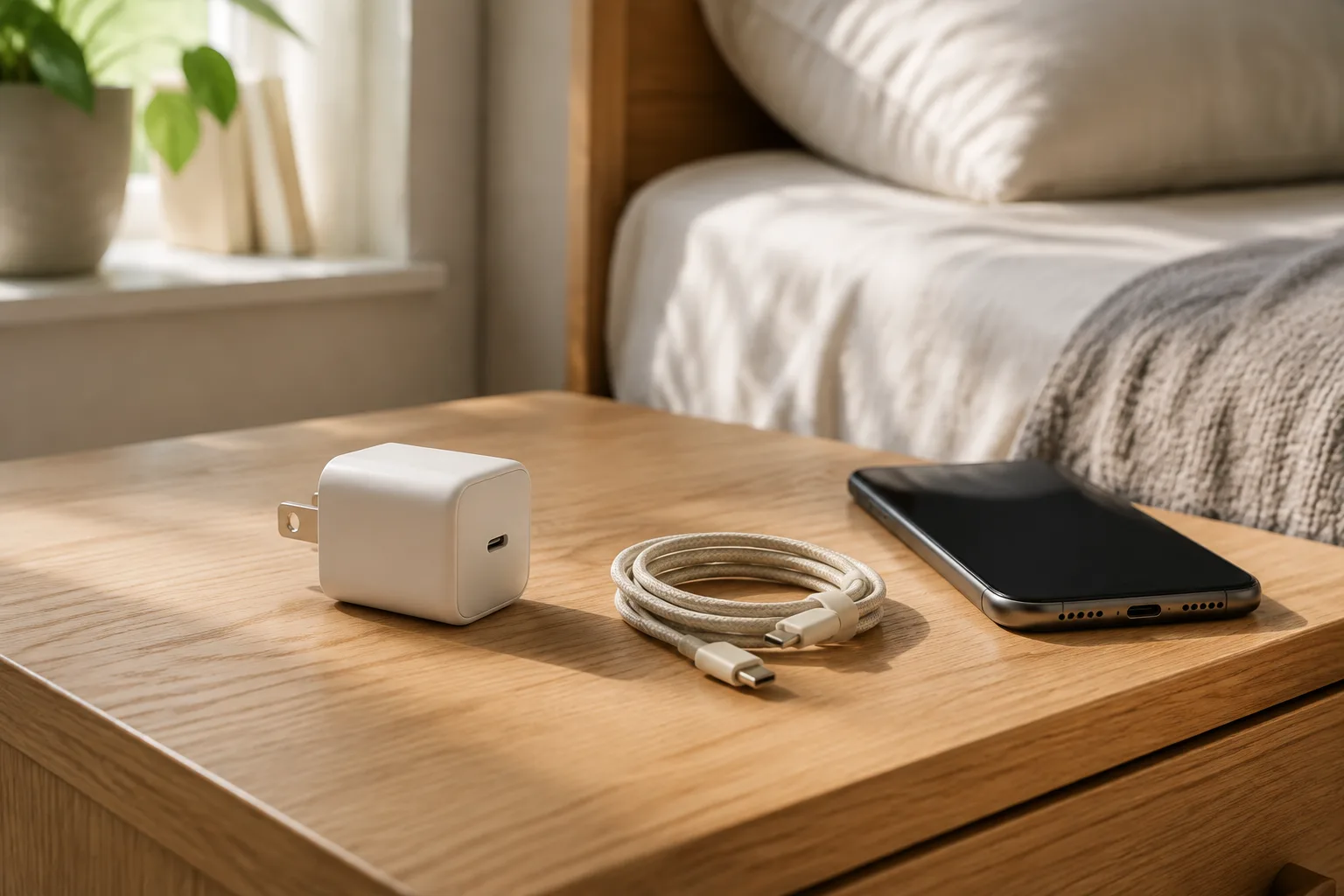
How to Choose a Phone Charger as a Useful Gift
Choose a phone charger by device requirements, supported charging profiles, shared port output, cable compatibility and safe placement.
Read buying guide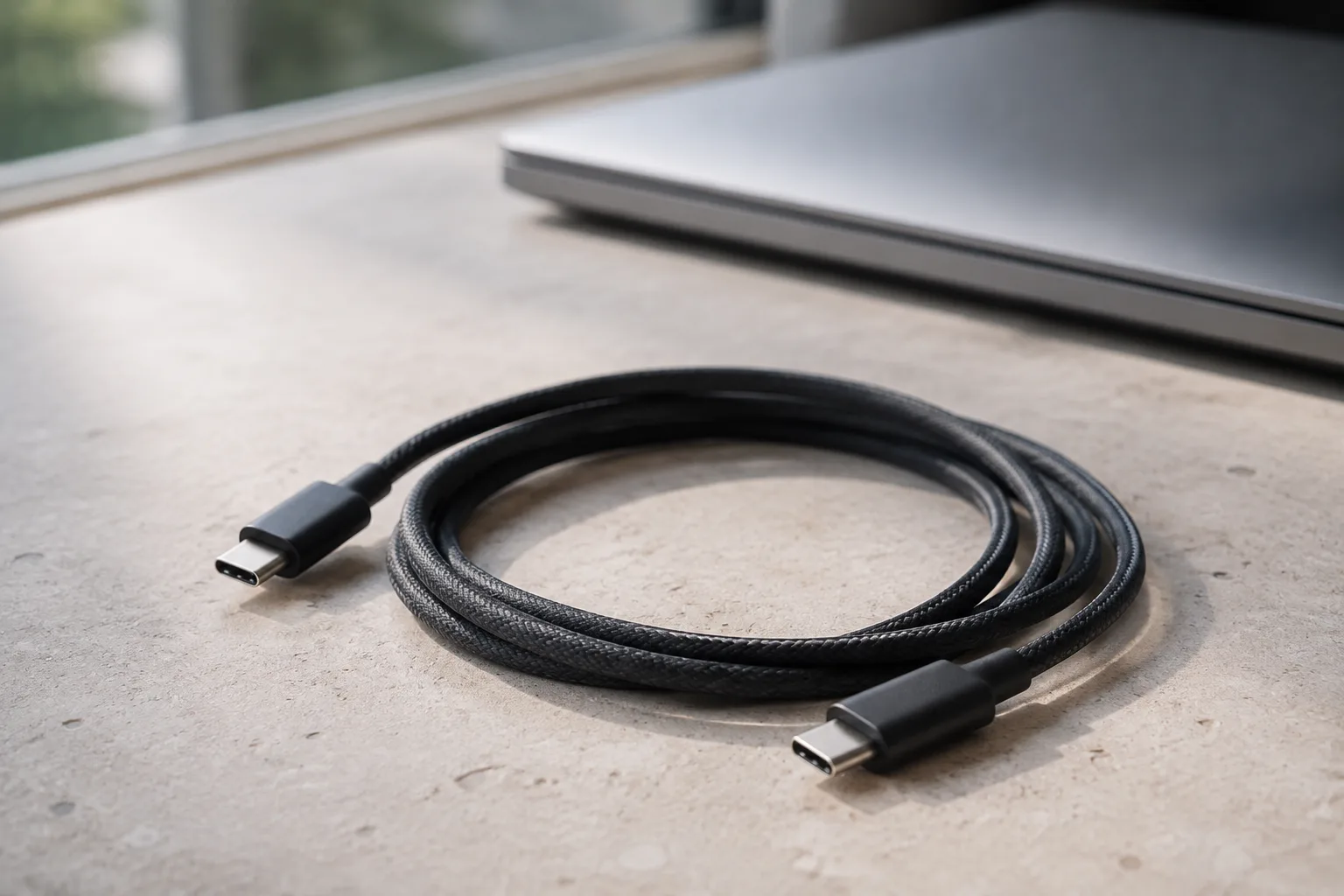
How to Choose a USB-C Cable as a Useful Gift
Choose a USB-C cable by both endpoint devices, power and data capabilities, display requirements, routed length and connector clearance.
Read buying guide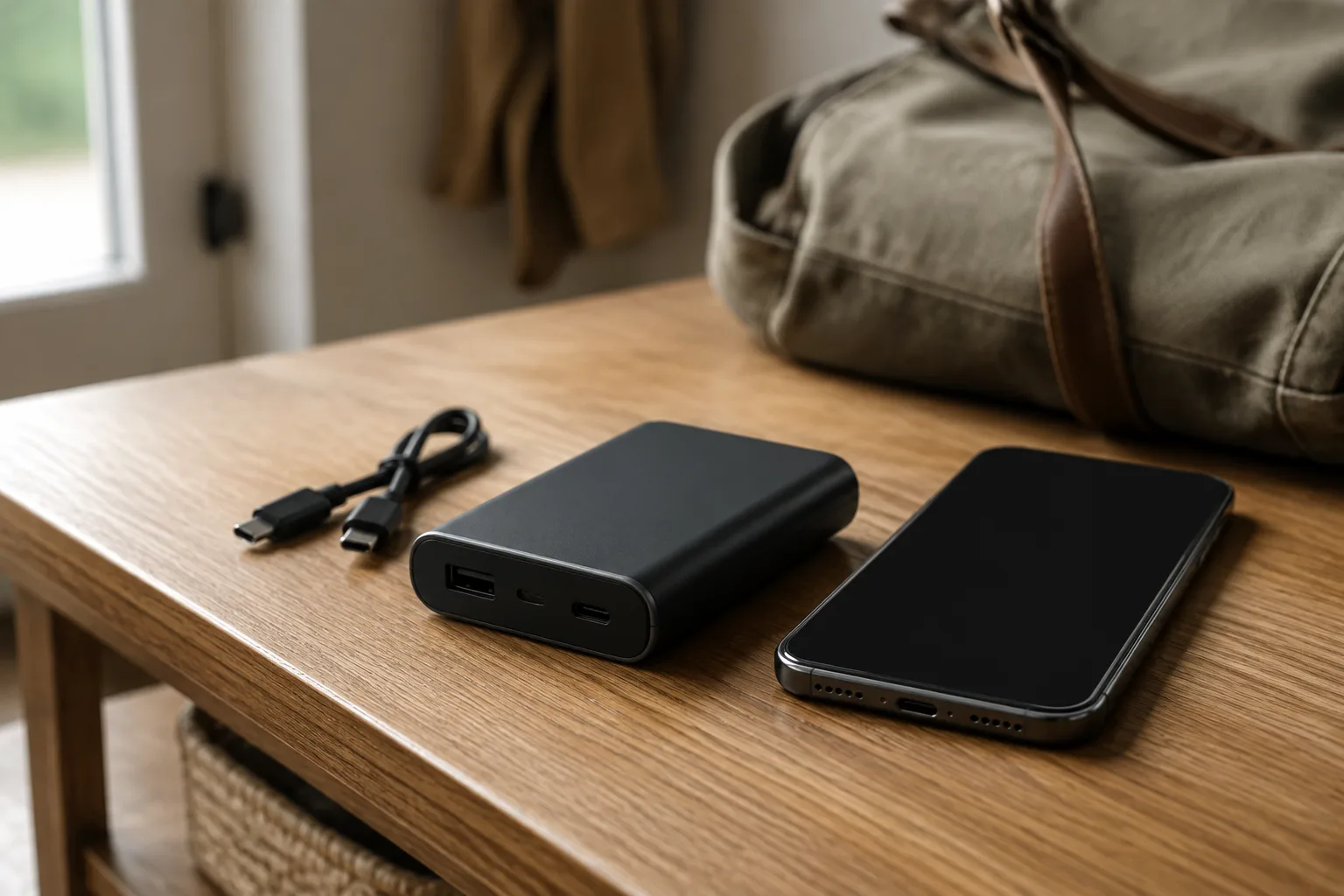
How to Choose a Power Bank as a Gift
Choose a power bank for the recipient’s devices, daily charging needs, carrying space and travel requirements.
Read buying guide