How to Choose a USB-C Cable as a Useful Gift
Choose a USB-C cable by both endpoint devices, power and data capabilities, display requirements, routed length and connector clearance.
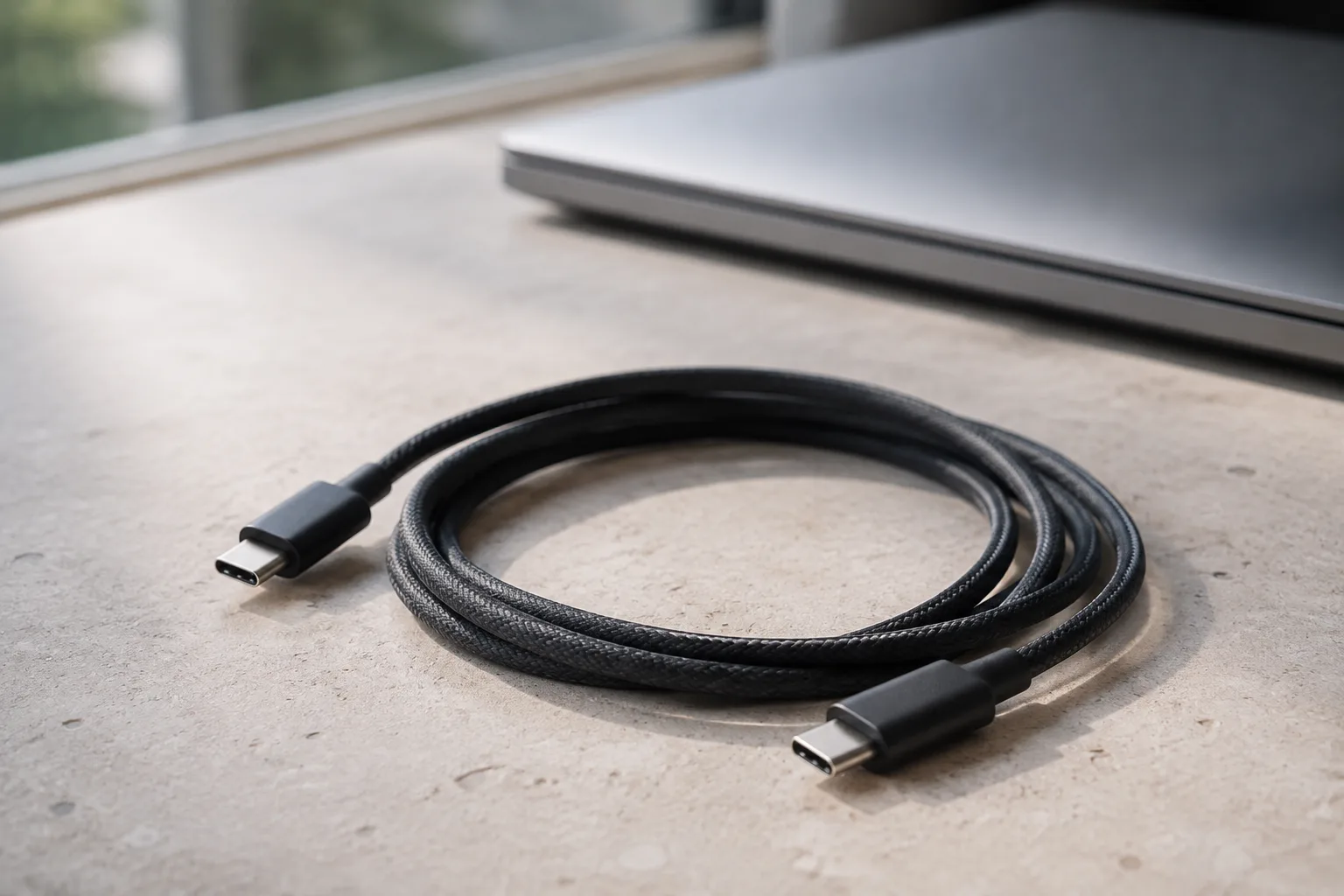
A useful USB-C cable gift starts with a specific connection: what is at each end, what the recipient wants to do, and where the cable will be used. Check power, data and any display requirements separately. Then choose a length and connector housing that fit the physical setup. A familiar plug shape or a large wattage label does not answer all those questions.
Name the connection before naming the cable
For a new wall power source as well as a cable, see our phone charger selection guide for adapter and simultaneous-output checks.
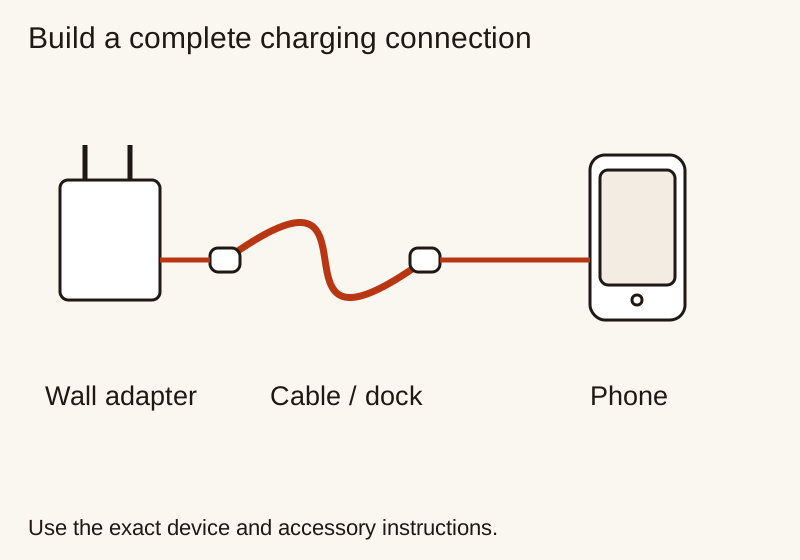
Write the two endpoints in a note. “Wall adapter to phone” is a different brief from “laptop to external storage,” even if both shopping searches show USB-C plugs. Include the exact device models and the relevant ports. If one device has several ports, check the one the recipient intends to use rather than assuming they all serve the same job.
Next, name the task. Is the cable for charging during a commute, copying large files at a desk, or connecting a display? A cable can be suitable for one task without satisfying another. Keep those requirements separate so that a strong charging specification does not silently become evidence of a data or video capability.
If the recipient simply wants a replacement for a known cable, record the original part number and its documented purpose where available. That provides a starting reference, not an obligation to buy the same brand. If the current cable never worked for the desired task, copying its description may repeat the mismatch rather than resolve it.
Read power and data labels as different claims
The USB-IF cable guidance explains that cables have different capabilities and that a certified cable does not increase the capabilities of connected products. Its USB-C-to-USB-C certification program requires power markings of 60 W or 240 W and, except for its High-Speed USB category, appropriate data-rate markings. Power and data therefore belong in separate fields in your comparison.
For a charging-only gift, establish the required power capability from the connected equipment’s documentation. Do not choose the highest printed number merely to avoid thinking about the task. More capability can be acceptable, but its usefulness still depends on the complete connection. A cable label is not a promise that the phone or computer will draw that amount of power.
For a data-focused gift, look for the explicit supported data rate and task, then compare that with both devices. Avoid vague descriptions such as “fast cable” that do not explain what is fast. A listing can emphasize charging while leaving data details unclear. If transferring files is the reason for the gift, that missing information is a reason to pause.
Keep units attached to every number in your notes. A power value and a data-rate value describe different things and should never compete in a single higher-is-better column. If two candidates advertise different combinations, return to the recipient’s task before deciding which extra capability deserves a place in the budget.
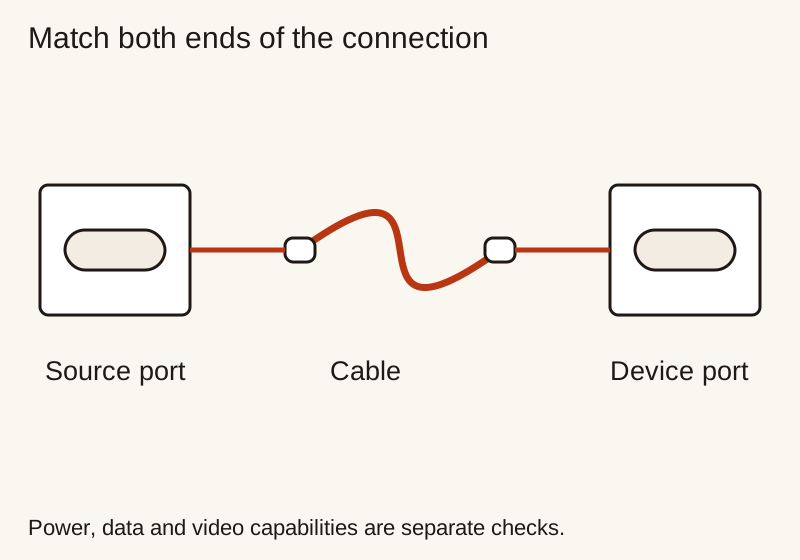
Confirm both connector ends and the device model
Do not assume that a cable described as USB-C has the required connector at both ends. Read the full description and compare it with the actual source and receiving ports. A gift can be electrically capable yet physically wrong for the wall adapter or device the person owns.
Apple’s iPhone fast-charge instructions provide a concrete example: iPhone 15 and later use a USB-C cable for the described setup, while earlier models use USB-C to Lightning. The document also specifies adapter requirements. That is why “a cable for an iPhone” is too broad a shopping brief. The exact model and the other endpoint both matter.
Avoid adding an unplanned chain of adapters simply because a selected cable has attractive features. Each additional component needs its own compatibility check and may make the gift less convenient. If an adapter is genuinely part of the recipient’s intended setup, document that whole arrangement rather than treating the adapter as an invisible fix for an unsuitable connector.
Treat display use as its own requirement
If the gift is meant to connect a computer and display, write down that purpose explicitly. Check the computer port, the display input and the cable maker’s stated support for the intended arrangement. Do not infer video support from charging wattage, connector appearance or a product image showing a laptop.
Be precise about what the recipient expects to see. A cable that meets a basic connection requirement is not automatically evidence for every resolution, refresh rate or multi-display arrangement. Use the relevant device and cable documentation for those details. Record the required resolution, refresh rate and display arrangement alongside the exact port and cable specifications.
If the required display behavior is not documented, contact the manufacturer with a short, concrete question naming both devices and the intended task. Save the answer alongside the product details. A clear limitation before purchase is more useful than a confident but unsupported expectation after the gift is opened.
Measure the route, not the straight-line gap
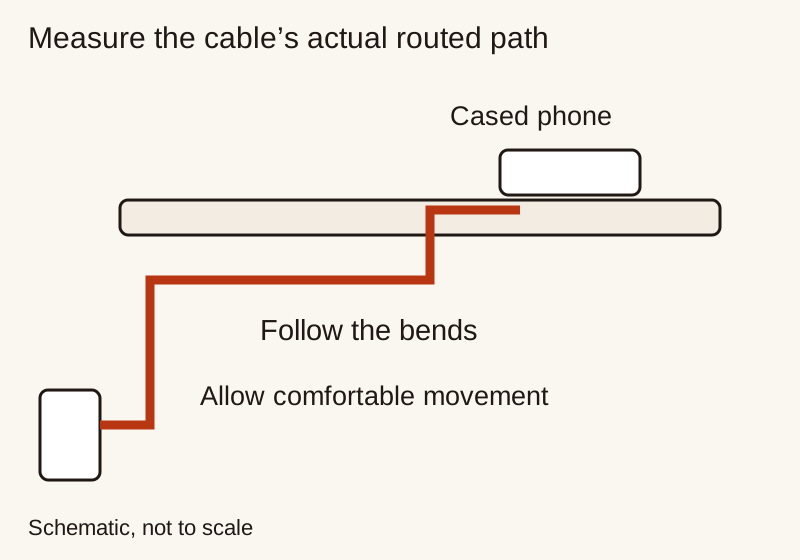
Identify where the cable will run in ordinary use. A bedside charging lead might go behind furniture and then need enough freedom for the recipient to pick up the phone. A desk connection may follow a cable tray before reaching a computer. Measure that usable route, including the positions where the devices are normally placed.
Avoid tension at the connectors and leave sensible room for movement without creating a large loose coil. The right length depends on the setting, not a universal preference for short or long cables. Follow product instructions for cable routing and do not force a bend to make a chosen length fit an awkward arrangement.
For a travel kit, ask where the source device sits relative to the phone or laptop. A compact cable can be tidy beside a power bank but restrictive when the only outlet is farther away. If the recipient wants one cable for several situations, identify the most important situation and accept a clear compromise instead of promising that one length will be ideal everywhere.
Check connector housing, case clearance and storage
The metal plug is only part of what must fit. Compare the housing around it with the opening in the recipient’s phone case or the space beside neighboring ports. A broad or unusually shaped housing may obstruct a connection even when the connector type is correct. Use dimensions or an explicit compatibility statement rather than assuming all housings are interchangeable.
An angled connector deserves the same check. Consider the direction it faces, the way the phone is held and any stand or nearby port it could obstruct. “Angled” is not automatically more convenient. It needs to improve the particular route or handling position for which the gift is intended.
For storage, look at how the person carries cables now. A simple reusable tie may be useful if they pack a cable each day; another pouch may be unnecessary if their existing organizer works. Do not infer long-term durability from braid, thickness or a premium-looking finish alone. Use the maker’s durability information and warranty terms alongside the cable’s feel and packing convenience.
First, imagine a recipient who carries a phone and a compatible power bank together in a small bag. The intended job is a charging connection that does not create much loose cable. Confirm both ports, the equipment’s charging requirements, the case opening and the distance between the two objects during use. Data performance is not part of this particular brief unless the person has asked for another use.
Now imagine someone who copies work files between a computer and external storage. Here, the documented data capability is essential. Check the computer port and storage device as well as the cable, then choose a length that keeps the drive in its intended place. A high power label does not resolve an undocumented data requirement, and a very short cable may make placement awkward.
The two recipients could receive cables that look similar but were chosen for different reasons. That is the point of the brief. You do not need a speculative best-cable ranking if you can establish what the gift must do and reject candidates that fail that task.
For the power-bank scenario, use our portable charging gift guide to check the battery side of the connection. For the workstation scenario, the desk setup guide helps with space and routing. These checks complement cable selection rather than turn it into a larger gift bundle.
Compare the complete offer, not the product photograph
Confirm the selected length, connector ends and capability variant in the actual order details. A shop may present several versions under similar names. Make sure the specification you read applies to the one being purchased rather than a different option shown elsewhere on the page.
Check what comes in the package and whether the seller identifies the manufacturer and model. Keep any relevant documentation with the receipt. If the gift will be opened later, inspect the seller’s return dates and conditions before purchase. This is particularly useful when physical case clearance cannot be established without trying the item.
Use our gadget comparison framework if two candidates remain. Compare confirmed task support, physical fit, length and complete cost before optional finish or packaging. Do not treat an unknown essential capability as an acceptable compromise just because the cable is inexpensive.
Explain the intended use when giving it
A cable gift becomes more thoughtful when its purpose is clear. A short note can identify the connection it was chosen for: the bedside phone setup, the travel battery kit or the desk storage connection. Avoid a blanket promise that it will do every USB-C job the recipient may encounter.
Include the specification information so the person does not have to rediscover the cable’s capabilities later. If you add a label or tie, keep it separate from the plug and follow the product’s handling instructions. Leave the recipient free to exchange the length or format if their actual routine differs from the brief.
If you cannot establish the intended connection, step back to the general technology gift guide. A small accessory is still worth choosing carefully. The useful gift is the cable that completes a known task, not the one with the most impressive unexplained number.
Related Gift Buying Guides
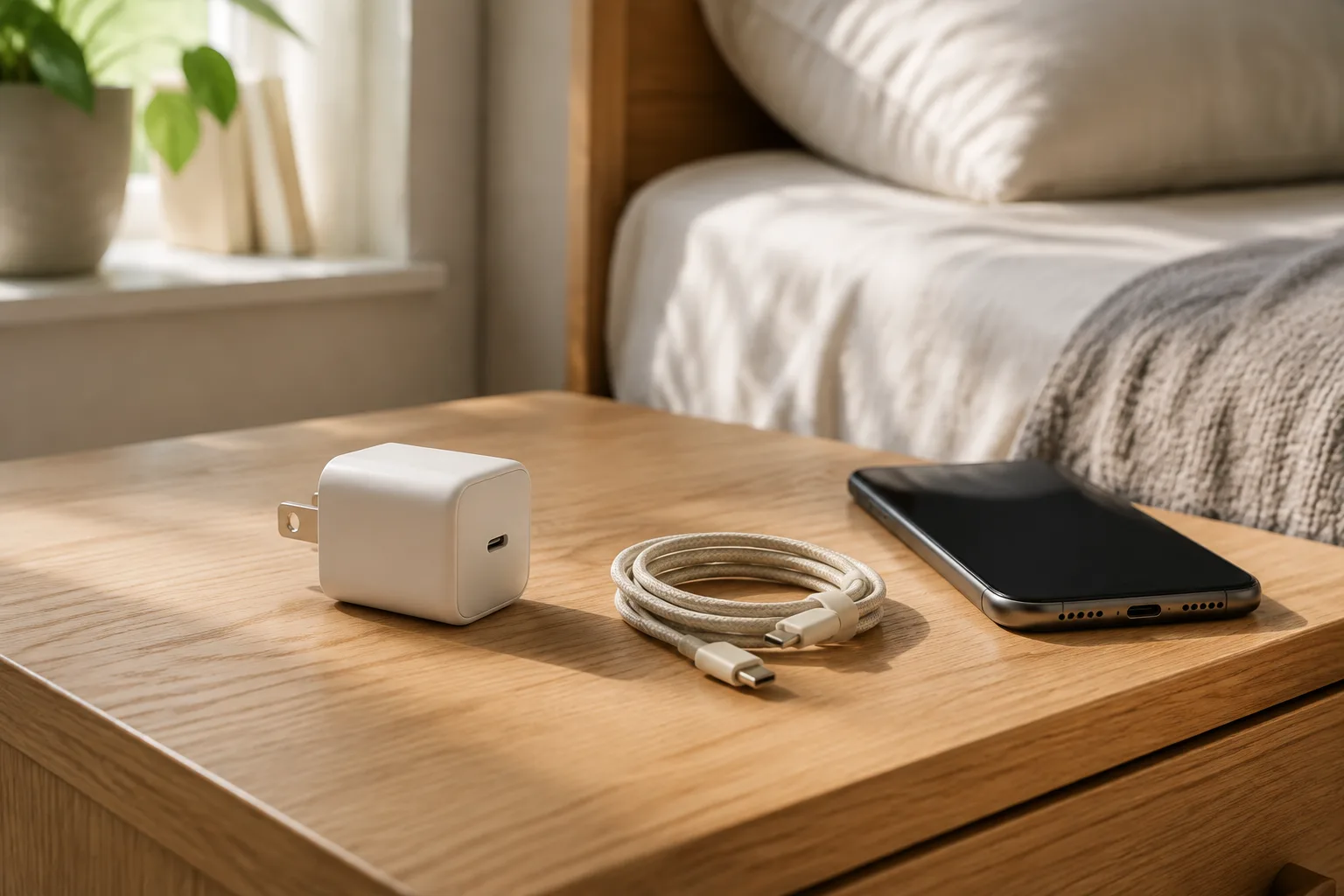
How to Choose a Phone Charger as a Useful Gift
Choose a phone charger by device requirements, supported charging profiles, shared port output, cable compatibility and safe placement.
Read buying guide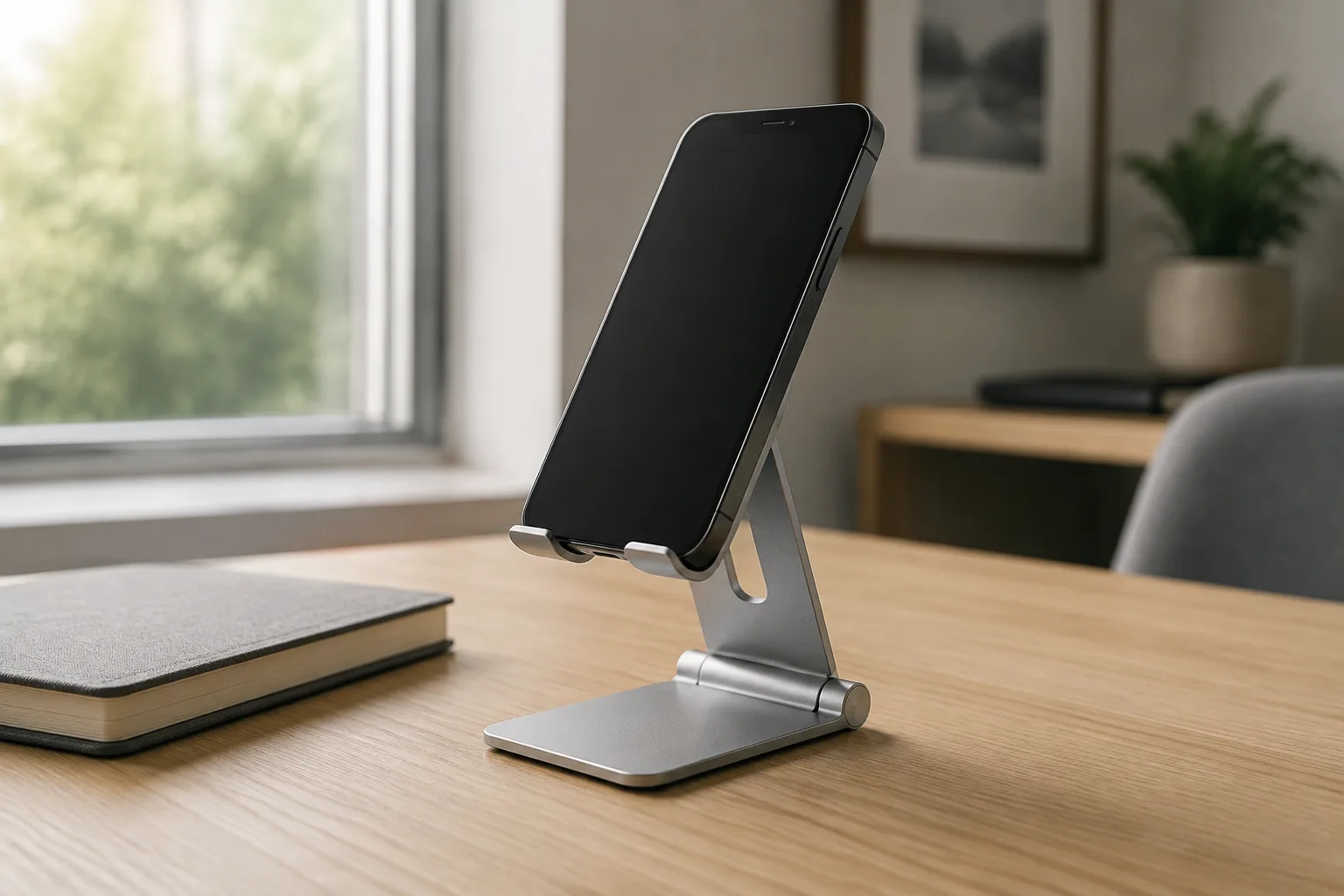
How to Choose a Phone Stand as a Useful Gift
Choose a desk phone stand by phone and case fit, viewing position, stability, cable access and storage space.
Read buying guide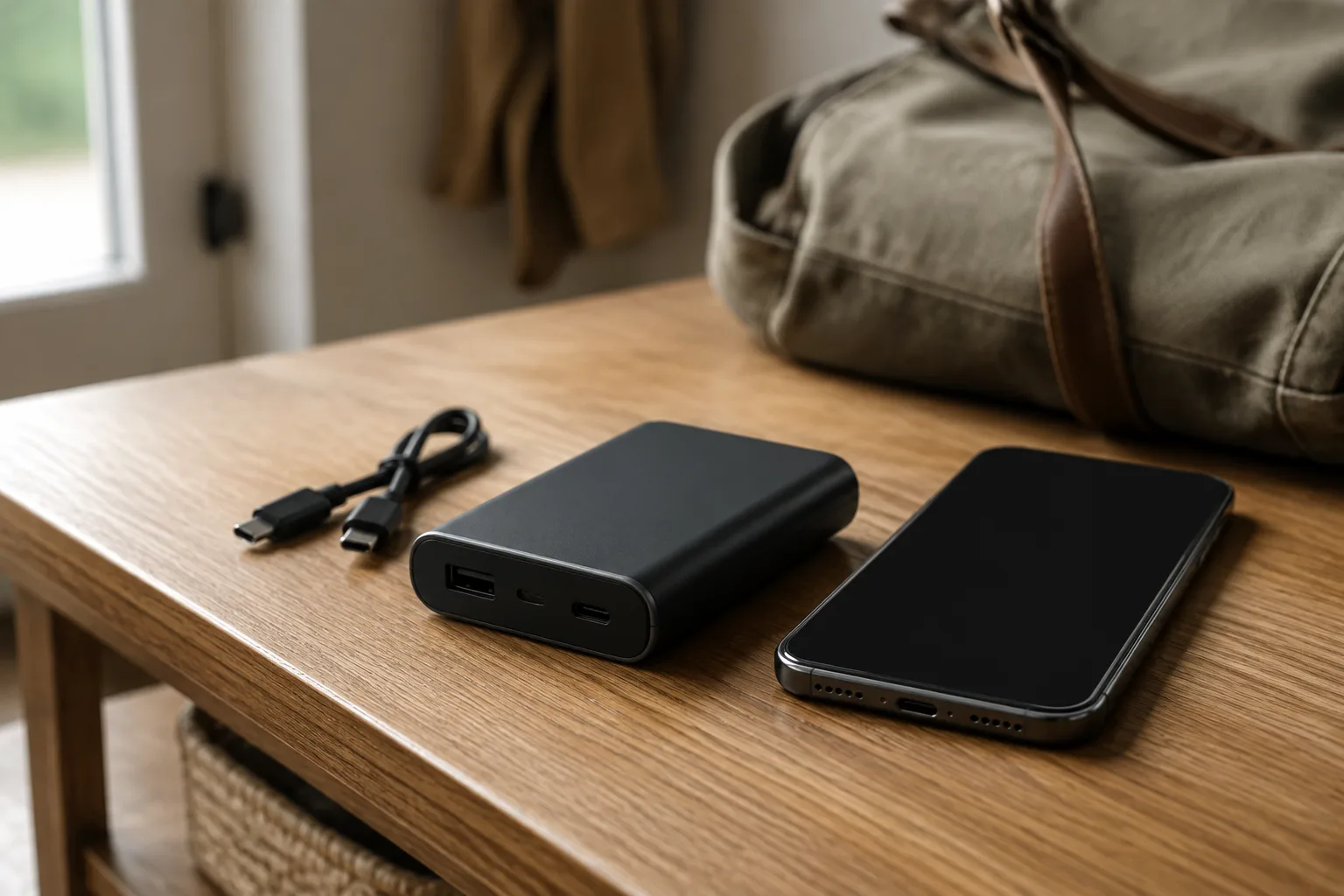
How to Choose a Power Bank as a Gift
Choose a power bank for the recipient’s devices, daily charging needs, carrying space and travel requirements.
Read buying guide