Smart Home Gift Compatibility: Check Matter, Thread & Household Roles
Check a smart-home gift against the household platform, network, controller and accessory requirements, then plan account setup and everyday controls.
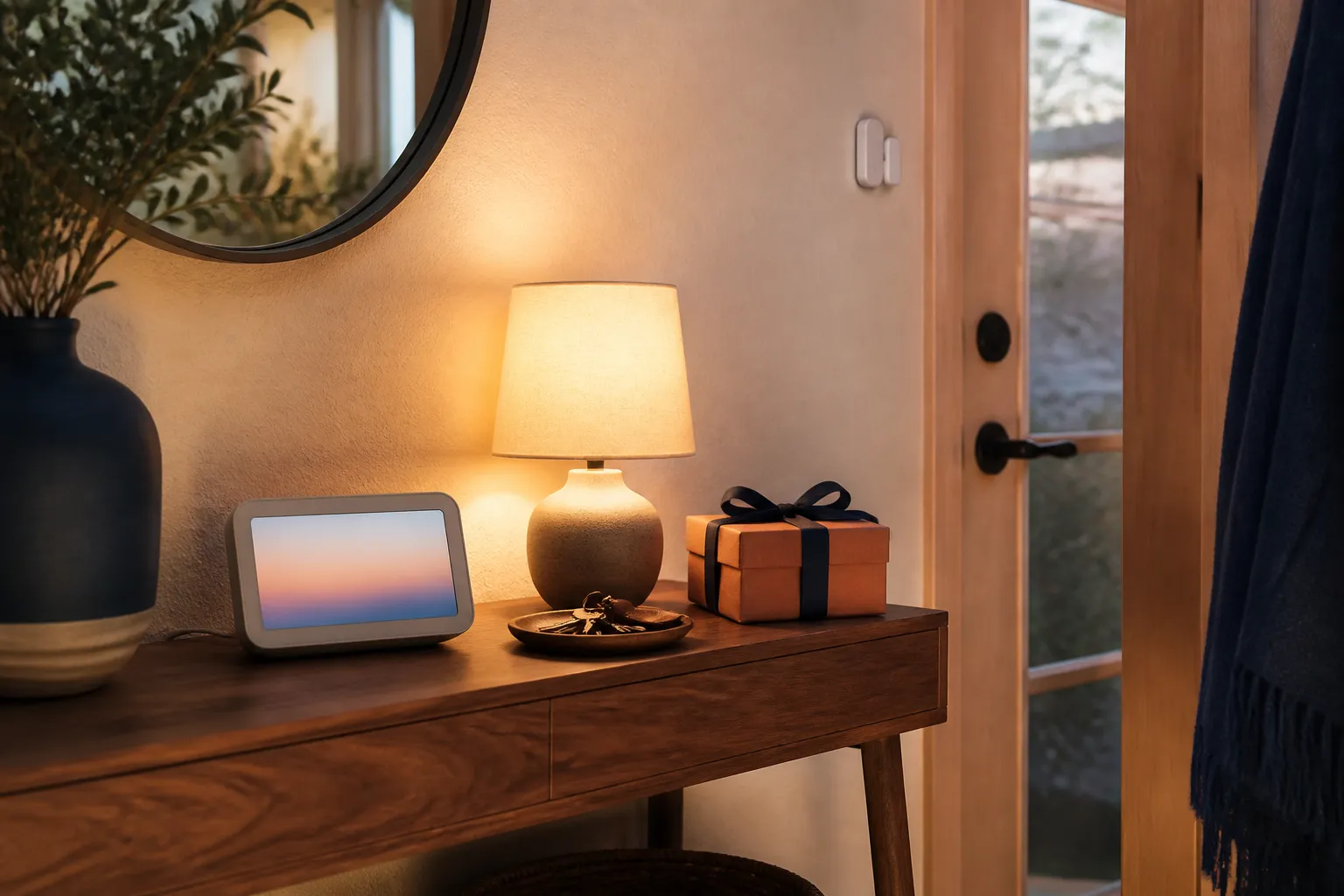
Before buying a smart-home gift, confirm five things: the household’s existing control platform, the exact function the recipient wants, any required networking or hub equipment, a suitable physical location, and who will manage access. A compatibility logo is a starting point for those checks, not a complete shopping answer. If essential requirements remain unknown, pause the purchase rather than giving the recipient a troubleshooting project.
Begin with one job the household actually wants
Write the intended job in ordinary language. “Switch the reading lamp from the sofa” is clearer than “add smart lighting.” “See the room temperature on a display” is narrower than “automate the home.” The more precise the job, the easier it becomes to check whether a supported function matches the reason for giving the product.
Ask whether the people who share the space want that change. A connected accessory can affect a partner, roommate or guest who never asked for a new app. Someone may prefer an ordinary switch even if the buyer enjoys voice control. The gift should support the household’s choices rather than make the most technically confident person responsible for everyone else.
If you cannot name a wanted job, step back to our routine-based tech gift guide. A non-connected accessory may solve the same problem with fewer dependencies. That is not a compromise when remote control or automation was never part of the recipient’s need.
Record the existing setup precisely
List the app the recipient actually uses to control the home, plus the exact model of any relevant hub, speaker or display. A phone brand is not enough to establish the household platform. A person with an iPhone might use a different home-control system, while several people in the same household may use different phones.
Model generation matters. Two devices with similar names can support different functions, and a listing for a current model does not establish the capabilities of an older device already in the house. Ask for a model name from the owner or the device settings, without requesting passwords or private setup codes. Keep software requirements in the checklist alongside hardware requirements.
Then record the candidate product’s exact regional model and the planned function. Separate “can be added to the app” from “supports the function we want there.” For example, a buyer interested in a schedule should verify scheduling behavior rather than stopping once simple on/off control appears in a compatibility list. Leave missing information marked unknown until the manufacturer or platform documentation resolves it.
Understand what Matter does—and what it does not decide
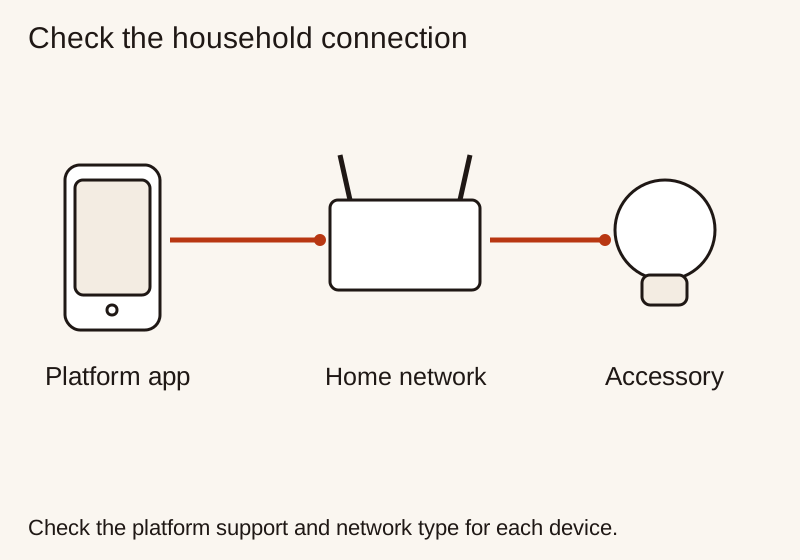
The Connectivity Standards Alliance’s Matter FAQ describes Matter as a shared smart-home protocol, not a replacement for the household’s preferred platform. It uses network technologies including Wi-Fi, Ethernet and Thread, with Bluetooth Low Energy used during setup. Matter and Thread are therefore not interchangeable labels.
For shopping, turn the badge into two questions: which connection does this exact product use, and what does my chosen platform require for it? Do not buy a vaguely described “Matter hub” until you know the role the missing equipment must perform. Ask whether something already in the home supplies that role, and confirm the exact model rather than relying on a family name.
Avoid buying on an undated promise that compatibility will arrive later. If the wanted function depends on a future update, the gift is not ready for that function today. A published roadmap can be useful context, but the recipient should knowingly accept the uncertainty instead of discovering it after opening the box.
Check Thread and controller requirements separately
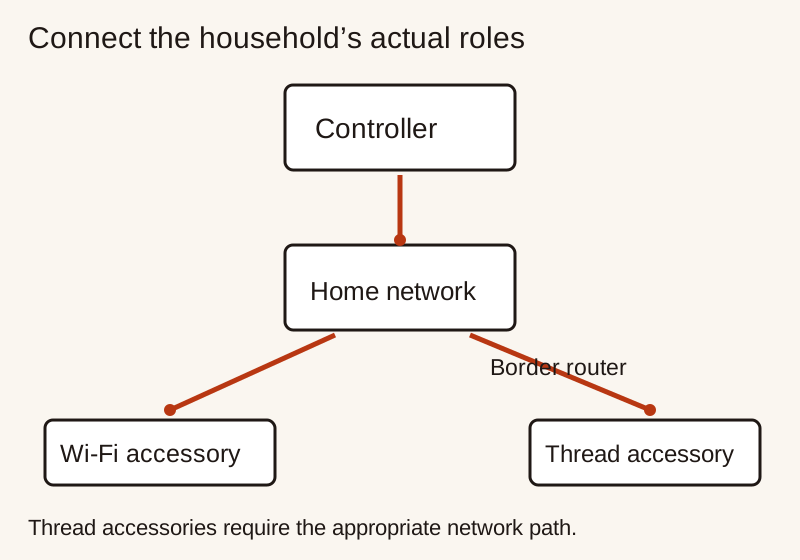
Google’s guide to preparing a home for Matter distinguishes hubs that support Matter over Wi-Fi from equipment that also supports Thread. It explains that some hub models include a Thread border router. The practical lesson is to identify the product’s network requirements before deciding whether another purchase is necessary.
Apple’s Thread setup guidance also makes the model and intended use important. It describes Thread-enabled devices and distinguishes pairing with supported iPhones from requirements for functions such as automation, notifications and remote control. Do not turn a statement that an accessory can be paired into a promise that every desired function will work without additional equipment.
Write a short dependency list for the candidate: accessory, required controller or hub role, required networking role, and setup phone or tablet. Some roles may be combined in one device; that is something to verify, not assume. If you cannot explain the list without contradicting the product instructions, ask the maker a focused question using the exact model names.
Do not reconfigure the recipient’s router to make a surprise gift work. Network changes can affect other household devices and should remain with the person responsible for the network. If the home uses a managed or shared network, establish whether the owner permits the accessory before purchase rather than treating setup restrictions as obstacles to bypass.
Separate basic control from special features
Make a two-column note: the function that makes the gift worthwhile, and how the manufacturer says that function is accessed. This helps distinguish the main reason for buying from optional effects or extra reports. If a special feature is only documented in a manufacturer app, do not assume that it appears identically in every supported platform.
For any paid service, check which function depends on it and whether it renews. Record the provider’s current terms separately from the hardware price. A free trial is not the same as a permanently included feature. Leave service enrollment to the recipient and avoid presenting a recurring commitment as a fully paid gift.
Check placement before ordering equipment
A connected accessory still needs a practical place to live. Measure the space, locate the appropriate power source and read the installation conditions. A lamp that fits the ecosystem but blocks a drawer is not a good fit. A sensor that needs an attachment the homeowner does not want is not ready to install simply because pairing looks easy.
For lights, verify the fitting, dimensions and fixture restrictions stated by the maker. For plug-in devices, verify the region, intended load and instructions for the appliance involved. Hardwired accessories or work beyond the recipient’s competence call for the appropriate qualified installer, not a surprise weekend project.
For removable accessories, check the mounting method and whether it may mark a surface. Keep furniture, walls and fixtures under the owner’s control. Ask how the product will be reached for battery changes, cleaning or a reset. A hidden location might look tidy while making basic upkeep inconvenient.
If the intended place is a work area, our desk setup gift guide provides a space-planning method. If the actual problem is simply reaching a charging connection, the power bank guide can help distinguish a portable charging need from a smart-home project.
Discuss shared access and privacy before making it a gift
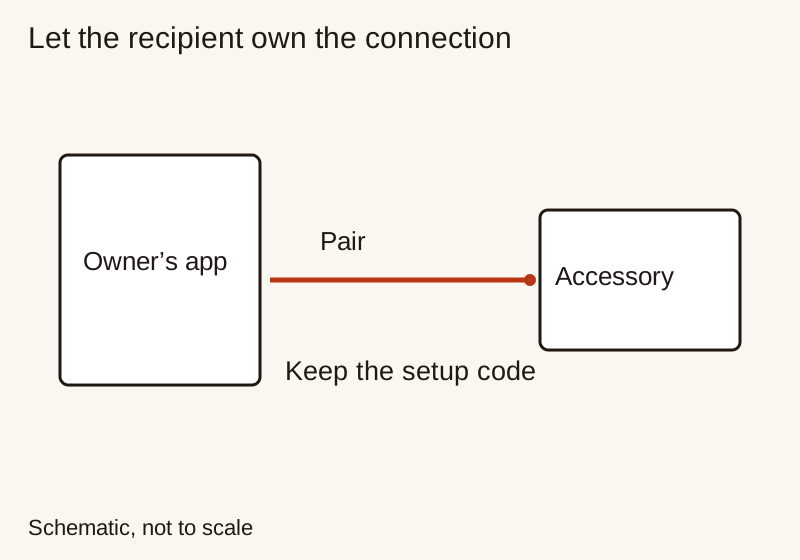
Ask who will own the device account, who needs everyday controls and who can change settings. Those roles should reflect the household’s preferences. Do not register the accessory under your own account to make setup look complete, and do not keep access after helping unless the owner explicitly wants that arrangement.
The CSA FAQ explains that Matter’s multi-admin feature lets owners connect devices to multiple platforms. That is not permission for a gift giver to add themselves. The recipient should decide which platforms and people receive access. Keep setup codes with the gift documentation rather than posting them in a public photo or review.
Cameras, microphones, locks and occupancy-related devices deserve an explicit conversation before purchase because they can affect other people’s privacy or control of shared space. Ask what the household wants recorded, if anything, who can view it, and where information is stored. Do not treat a connectivity standard as a complete explanation of a vendor’s privacy policy.
If the answers are uncomfortable or unclear, choose a different gift. A return receipt does not undo the feeling of being surprised with an unwanted monitoring device. For a recipient who has requested a specific connected product, preserve their ability to review the provider’s account, retention and sharing options themselves.
Ask what happens when a dependency is unavailable
Read the product’s description of local controls, network requirements and recovery behavior. Ask what remains possible if the phone is elsewhere, the internet connection is unavailable or a required hub is offline. These are different situations. Do not summarize them all as “works offline” without a clear statement about the exact function and missing dependency.
The CSA FAQ describes Matter as local connectivity and explains that remote access for Matter-only devices needs an internet-connected controller at home. A local connection therefore does not establish remote availability. Check the platform and product documentation for the actual arrangement you intend to give.
Consider ordinary guests as well. If the main purpose is switching a room light, ask how someone without the app will do that. Verify the documented physical control and any implications of turning power off. Choose a gift whose normal operation the household can explain without relying on one person always being available.
Price the smallest complete upgrade
Add the accessory, genuinely required equipment and permitted installation costs before comparing candidates. Do not count a hub the recipient already owns as a new cost, but do not omit one they lack. Our gadget comparison guide shows how to keep compatibility failures separate from price preferences.
Before wrapping, keep the model details, instructions and gift-return information together. Explain the intended job and any requirements you have confirmed. Offer help without making installation, account creation or household access decisions in advance. The useful gift is the one that joins the home on its owner’s terms.
Research and update note
Related Gift Buying Guides
How to Choose a Phone Charger as a Useful Gift
Choose a phone charger by device requirements, supported charging profiles, shared port output, cable compatibility and safe placement.
Read buying guide
How to Choose a Phone Stand as a Useful Gift
Choose a desk phone stand by phone and case fit, viewing position, stability, cable access and storage space.
Read buying guide
How to Choose a Travel Adapter as a Useful Gift
Choose a travel adapter by destination socket, appliance input label, earth connection, rated load and any required USB charging output.
Read buying guide